guides
What is whiteboard animation, and how is it made? (2026)
Contents: What is whiteboard animation?
Whiteboard animation is a narrated video in which a hand appears to draw simple pictures on a white board, one line at a time. A voice explains the idea as each picture forms. The same format is also called video scribing, a doodle video, or doodle animation. Artists first drew these videos on a physical board and filmed the drawing over their shoulder. Today they are also made in software, or by AI that recreates the drawing hand on screen.
Glossary of whiteboard animation termsNew to these terms? Click to open 7 short definitions.OpenClose
Video scribing: Another name for whiteboard animation. A “scribe” is the artist who draws the pictures while the narration plays.
Doodle video: A whiteboard animation made of quick, cartoon-style drawings. Doodle animation means the same thing.
Drawing hand: The hand, usually holding a marker or chalk, that draws each picture on screen. It can be filmed, taken from a library of stock hands, or generated by AI.
Voiceover: The recorded narration that runs over the drawings. In a whiteboard animation, the drawing keeps pace with what the voice is saying.
Storyboard: A sketch of every scene in order, made before production, showing which picture goes with which line of the script.
Explainer video: A short video that explains a product, a process, or an idea. Whiteboard animation is one of several visual styles an explainer can use.
Online whiteboard: A shared drawing app for meetings and classes, such as Miro or FigJam. People draw on it together at the same time, and it does not produce a narrated video.
In this article
- What is whiteboard animation?
- Where did whiteboard animation come from?
- Why does the drawing hand matter in whiteboard animation?
- What are the styles of whiteboard animation?
- How is a whiteboard animation made today?
- How much does whiteboard animation cost?
- What is whiteboard animation used for?
What is whiteboard animation?
A whiteboard animation is recognizable from four traits that appear together:
- A plain board: The pictures sit on a white background, or on a dark slate in the chalkboard variant, with little else on screen.
- A drawing hand: A hand draws each picture as the viewer watches, so the image builds up line by line.
- Simple line drawings: Characters, objects, and labels are cartoon sketches, which keeps attention on one idea at a time.
- Narration in step with the drawing: A voice explains each idea while its picture is being drawn, so words and image arrive together.
Whiteboard animation is a kind of 2D animation, and it is most often used for explainers and lessons. For animation made by generative models in any style, see what AI animation is and how it works.
Whiteboard animation should not be confused with an online whiteboard, although both are sometimes called a “whiteboard video.” An online whiteboard, such as Miro or FigJam, is an app that gives a team a shared canvas to draw on during a meeting. A whiteboard animation, by contrast, is a finished, narrated video that viewers watch from start to finish.
Where did whiteboard animation come from?
The first whiteboard animations were drawn by hand on a physical board, with a camera filming over the artist’s shoulder.
The series that made the format widely known is RSA Animate, which the Royal Society of Arts (the RSA) began publishing in 2010. The RSA is a British charity that hosts public talks, and each RSA Animate set the edited audio of one talk to drawings made on a whiteboard. One of the best known is RSA ANIMATE: Changing Education Paradigms, adapted from a talk by the education writer Sir Ken Robinson. The animation on that video is by the studio Cognitive Media.
Software that imitates the filmed method came next. In these tools, a person places a stock drawing on a canvas, and the tool animates a stock hand tracing it. Well-known examples include VideoScribe, Animaker, Powtoon, and Vyond, which was called GoAnimate until 2018. More recently, AI tools have added a third route, in which the software writes the script, draws each scene, and adds the narration.
Why does the drawing hand matter in whiteboard animation?
Many vendor claims that whiteboard animation helps people remember more cite no study. A small body of controlled research does exist, and much of it tests the drawing hand.
Fiorella and Mayer (2016) ran a series of experiments with a short video lesson on the Doppler effect, the change in pitch you hear as a siren passes. In two of them, students who watched an instructor’s hand draw the diagrams solved new problems better than students who saw the same diagrams already finished. When the diagrams were drawn with no hand visible, that advantage disappeared. Diagrams that a computer animated to look as if they were being drawn did not do significantly better than still ones. The authors suggest the hand acts as a social cue, which makes viewers work harder to understand what is being drawn.
Krieglstein and colleagues (2023) showed 84 university students one whiteboard animation in three versions. In one a hand drew the content, in another a hand pushed finished pictures onto the board, and in the third no hand appeared. The drawing hand made students more motivated than the pushing hand, and it did not make the lesson harder to follow. Test scores, however, were the same in all three versions, and the authors conclude the way content enters the board matters little for learning.
Brosnan and Hasso (2025) tested the format against alternatives in an online experiment with 521 US adults learning basic accounting ideas. Each person got one of five versions: whiteboard animation with narration, a narrated slideshow, narration only, text only, or no lesson. The whiteboard group rated the lesson higher for enjoyment and engagement and learned more than the other groups. The gap in what they remembered held one week later. The study covered one topic and one online sample, so its result may not hold for every subject or audience.
Researchers also see whiteboard animation as a promising teaching tool in health science education. A 2024 review by Sharmin, Carbonaro, and Chow found six studies on it from 2013 to 2024. All six reported that students liked the videos and learned from them. One found that students who watched more of the videos tended to score higher on later exams in biochemistry and nutrition. The authors add that the topic is understudied and needs more research.
Taken together, the evidence on the hand is mixed. It clearly helped in one set of experiments, and in another it raised motivation without changing test scores. The whiteboard format as a whole did well against slides and text in the largest study.
What are the styles of whiteboard animation?
The classic look is black marker on a white board with no color. Later styles add spot color to highlight one thing per scene, or caricatured characters for stories. Others swap the board for chalk on a dark slate, as in these scenes from four of Scenema’s whiteboard styles.
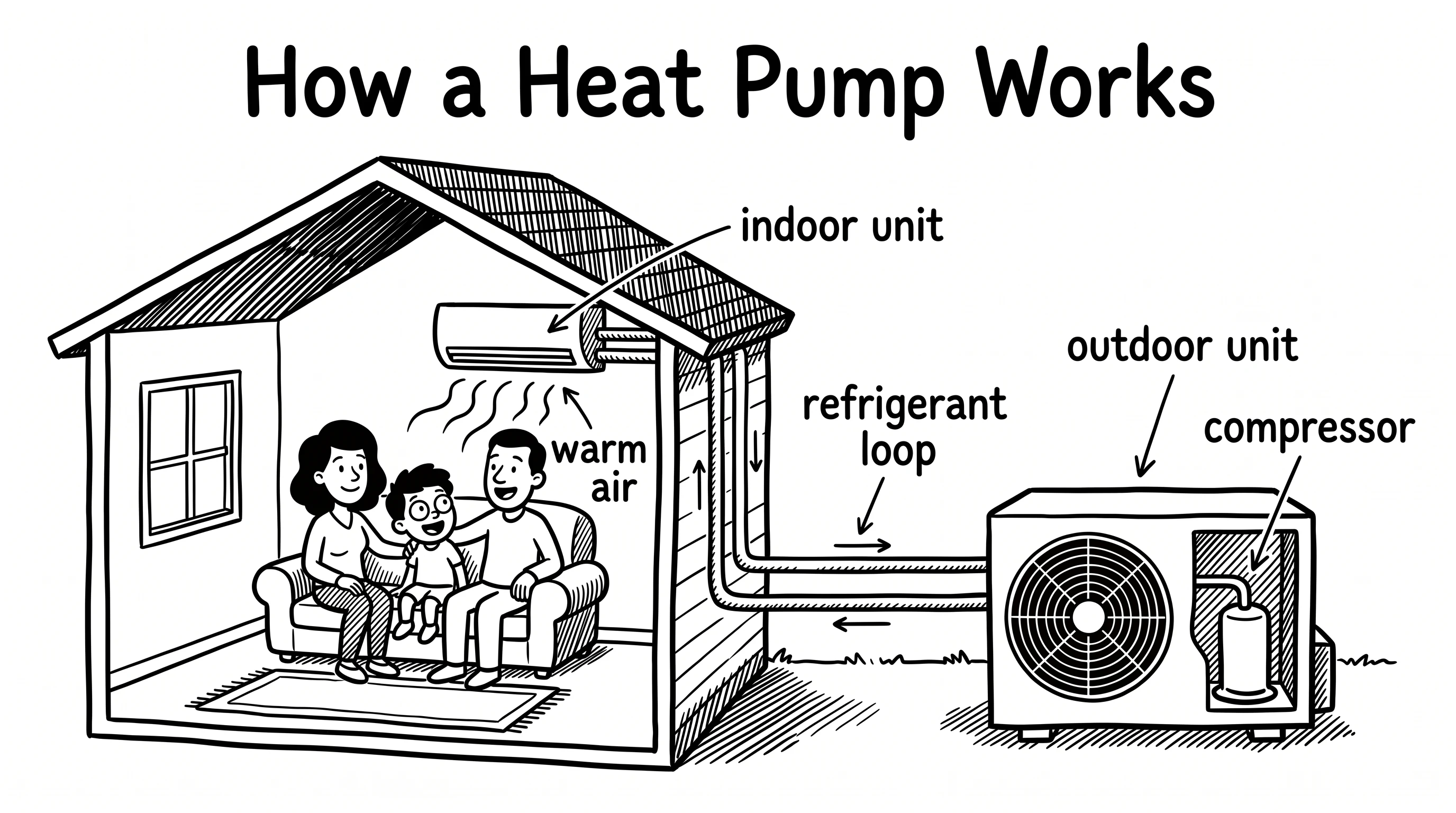
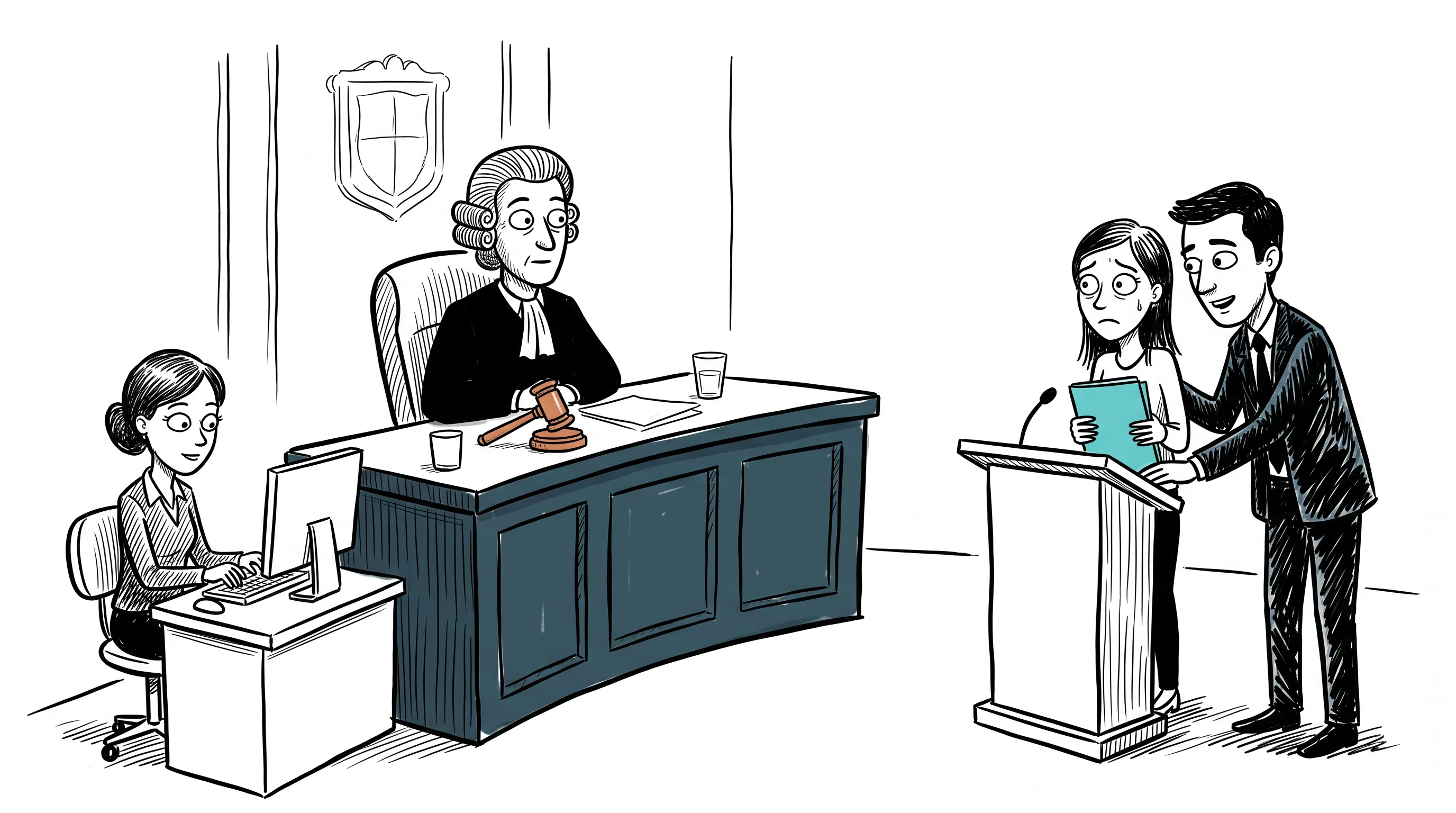
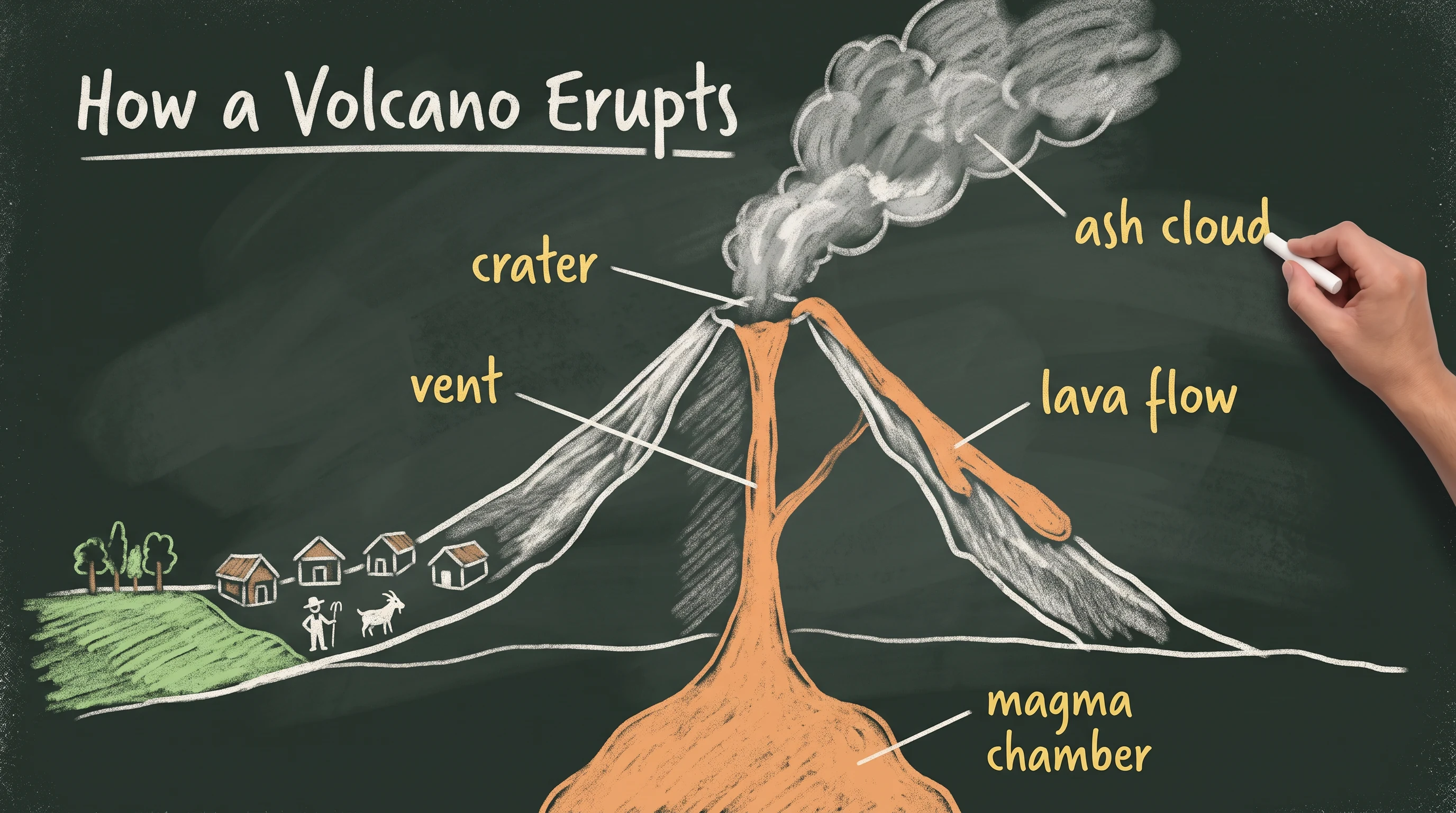
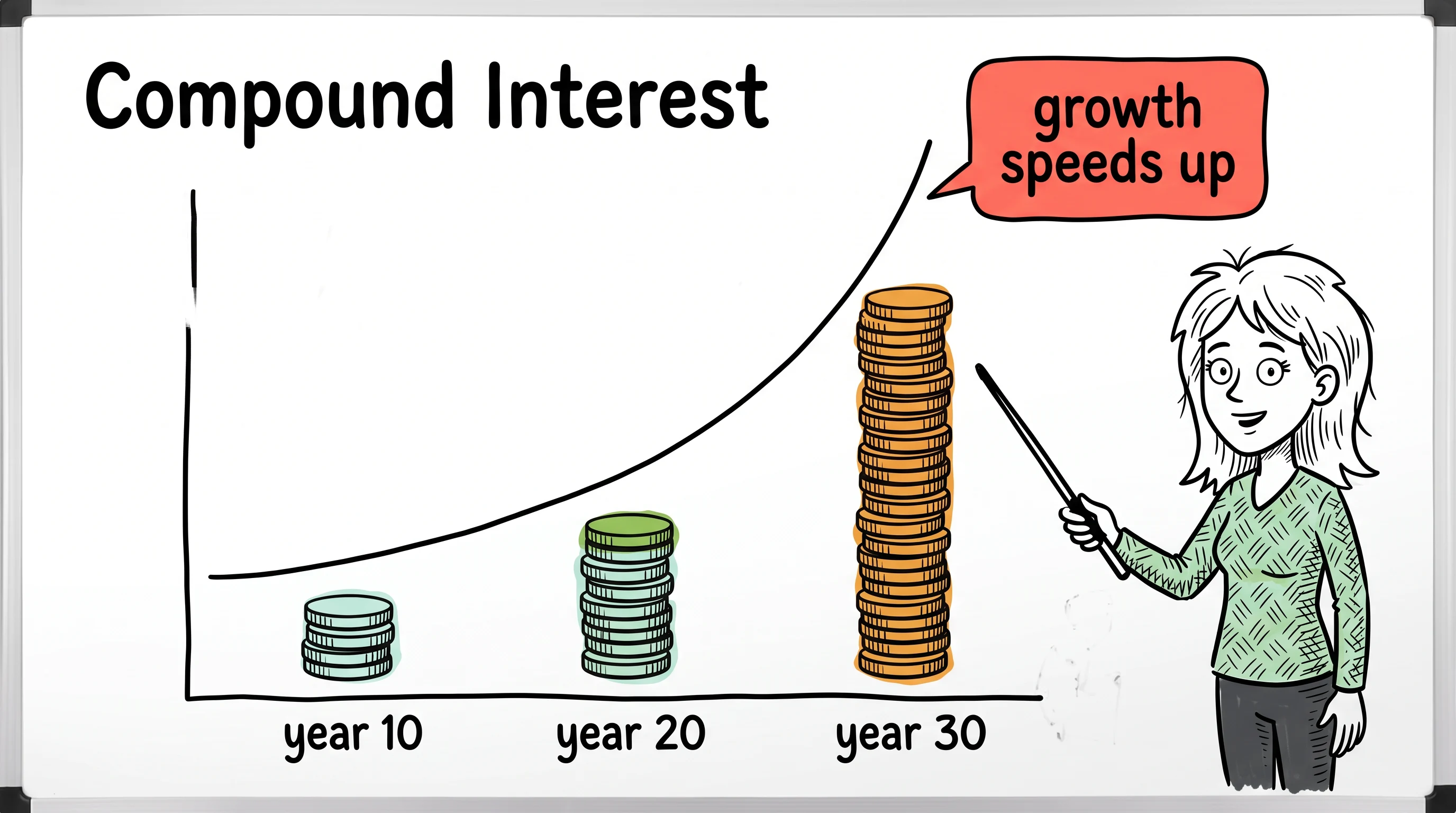
Five of Scenema’s whiteboard styles draw each picture with a visible hand. Click or tap each card to see what the style looks like and what it suits.
Each style has its own page, linked from Scenema’s AI whiteboard video generator page.
How is a whiteboard animation made today?
Every whiteboard animation starts with a script, because the drawings follow the narration line by line. A storyboard then pairs each line with a picture, the voice is recorded, and the drawing is timed so each image finishes as its sentence ends. What changes between methods is who does the drawing and how much of the rest falls to you.
| Generated by AI, such as Scenema | Filmed on a physical board | Built in software | |
|---|---|---|---|
| Who draws | The AI draws each scene from the script | An illustrator, live on camera | You place stock or uploaded drawings, and the app traces them |
| The hand | Generated with the scene, in the styles that use a hand | The artist’s own | Picked from a library of stock hands |
| Script and voice | Written for you or kept as you wrote it, then narrated | Written and recorded separately | Written by you; some apps add AI voices |
| Skills needed | A clear brief and a careful script review | Illustration, filming, and editing | Patience and an eye for layout |
| Best for | Long lessons and training, made from a document | A signature brand piece with a unique look | Short videos where you want to control every line |
Scenema is an example of the AI method. It turns a script or a document into a narrated whiteboard video and draws each scene for you. Chapters run up to 30 minutes, with the same characters throughout. VideoScribe and Doodly are desktop apps for the software method, and our guides to VideoScribe alternatives and Doodly alternatives compare them in detail.
How much does whiteboard animation cost?
The cost of a whiteboard animation depends on the method more than on the length.
- AI generation: AI tools usually charge by plan or by credits. Scenema’s free plan makes a watermarked video of up to 30 seconds in any style. Paid plans are on the pricing page.
- Desktop software: VideoScribe offers a 7-day free trial with three watermarked downloads. Its paid plans cap video length by plan: Lite allows videos up to five minutes, Core up to 10 minutes, and Max up to 20 minutes. Current prices are on VideoScribe’s pricing page. Doodly’s plans are covered in our Doodly alternatives guide.
- Hand-drawn by a studio: Studios that film an illustrator quote per project, based on length, script work, and revisions. There is no standard rate, so check the studio’s own site for a quote.
Time often costs more than the subscription, since a filmed piece needs drawing, shooting, and editing. In desktop software, every scene is placed and timed by the person making the video, so a ten-minute lesson means building dozens of scenes yourself.
What is whiteboard animation used for?
Whiteboard animation suits topics that are easier to follow as a sequence of drawings than as a talking head. These are the most common uses:
- Training and compliance: A new rule or a safety step gets its own picture, which helps staff see the order of actions.
- Lessons and courses: Teachers and course creators use it for anything with a process, from photosynthesis to how interest compounds.
- Patient and health education: Medical and dental schools use whiteboard videos in teaching. In a 2023 survey by Patel and Snyder, 70 percent of 121 medical students in South Australia used whiteboard animation to study medicine. Only 28 percent used it for ophthalmology. Students who were more satisfied with the videos also reported better engagement, understanding, and recall.
- Legal and financial explainers: Abstract rules become characters in a situation, such as a tenant reading a lease or a family planning a budget.
- Stories with one character: Some videos follow one person from start to finish, such as an employee in their first week.
When a story follows one character for ten or twenty minutes, that character has to look the same in every scene. The narrator also has to keep the same voice throughout. In desktop software, consistency comes from reusing the same drawing. In AI tools, it depends on whether the tool keeps a reference for each character, a technique covered in our guide to keeping characters consistent in AI video. Longer formats are covered in what a long-form explainer video is.
How does Scenema make whiteboard animation?
Scenema makes whiteboard animations from a prompt, a script, or source files such as a PDF, a Word document, a PowerPoint deck, a spreadsheet, or plain text. You review and approve the script, and your own script can be kept word for word. Scenema then draws each scene in the chosen style and narrates it with one of more than 500 voices in over 75 languages. In the five hand styles, a drawing hand draws the scene line by line, and the same hand appears in every shot. Each recurring character has a reference, which keeps the character’s look the same across scenes. Each video is one or more chapters, each up to 30 minutes long. Scenema’s AI whiteboard video generator page shows every style.
The TL;DR on whiteboard animation
What is whiteboard animation? Whiteboard animation is a narrated video in which a hand appears to draw simple pictures on a white board, line by line, while a voice explains the idea. It is also called video scribing or a doodle video.
Is whiteboard animation free? Free options exist, usually with watermarks and length limits. Scenema’s free plan makes a watermarked video of up to 30 seconds.
Which app is best for whiteboard animation? It comes down to who does the drawing. Scenema writes, draws, and narrates the whole video from a script or a document, and you review the finished video. VideoScribe and Doodly suit people who want to place each drawing themselves.
Can AI make a whiteboard animation? Yes, AI can make a whiteboard animation from a topic, a script, or a document. Scenema, for example, writes or keeps your script, draws each scene with a drawing hand in its hand styles, and adds the narration.
What is the difference between whiteboard animation and an explainer video? An explainer video is any short video that explains an idea, product, or process. Whiteboard animation is one visual style an explainer can use, alongside motion graphics, cartoon animation, and live action.
Is whiteboard animation the same as an online whiteboard? Whiteboard animation is a finished, narrated video. An online whiteboard, such as Miro or FigJam, is a shared canvas that people draw on together during a meeting or class.
How long should a whiteboard animation be? No rule fixes the length. A product teaser covers one idea, while a lesson or training module may cover dozens. With Scenema, a video is made of one or more chapters, each up to 30 minutes long.
What type of animation is whiteboard animation? Whiteboard animation is a kind of 2D animation, in which flat line drawings appear on screen as if drawn by hand. It can be filmed, built in software, or generated by AI.
References and further reading
Sources cited
- Sharmin, N., Carbonaro, M., Chow, A. K. “Whiteboard animation: A potential teaching tool for health science education.” Canadian Journal of Dental Hygiene 58(3), 2024. PMC11539945
- Fiorella, L., Mayer, R. E. “Effects of observing the instructor draw diagrams on learning from multimedia messages.” Journal of Educational Psychology 108(4), 528 to 546, 2016. doi:10.1037/edu0000065
- Krieglstein, F., Meusel, F., Rothenstein, E., Scheller, N., Wesenberg, L., Rey, G. D. “How to insert visual information into a whiteboard animation with a human hand? Effects of different insertion styles on learning.” Smart Learning Environments 10, 2023. doi:10.1186/s40561-023-00258-6
- Brosnan, M., Hasso, T. “The effect of using whiteboard animation in teaching introductory accounting concepts.” Smart Learning Environments 12, 2025. doi:10.1186/s40561-025-00420-2
- Patel, C., Snyder, J. “Using Whiteboard Animation and Patient Narratives for Learning Clinical Ophthalmology: Student Perspectives.” Advances in Medical Education and Practice 14, 2023. doi:10.2147/AMEP.S408254
- The RSA. “RSA ANIMATE: Changing Education Paradigms.” YouTube. youtube.com/watch?v=zDZFcDGpL4U
- VideoScribe. Pricing, viewed November 2026. videoscribe.co/pricing
Related Scenema reading
- What is AI animation, and how does it work? explains how generative models make animated video in any style.
- VideoScribe alternatives and Doodly alternatives compare whiteboard animation software.
- How to keep character consistency in AI video covers how recurring characters stay the same across scenes.