Whiteboard animation maker
AI whiteboard video generator
Turn a prompt, a script or a document into a narrated whiteboard video, in a hand drawn style and minutes long.
8 hand drawn whiteboard styles
Styles
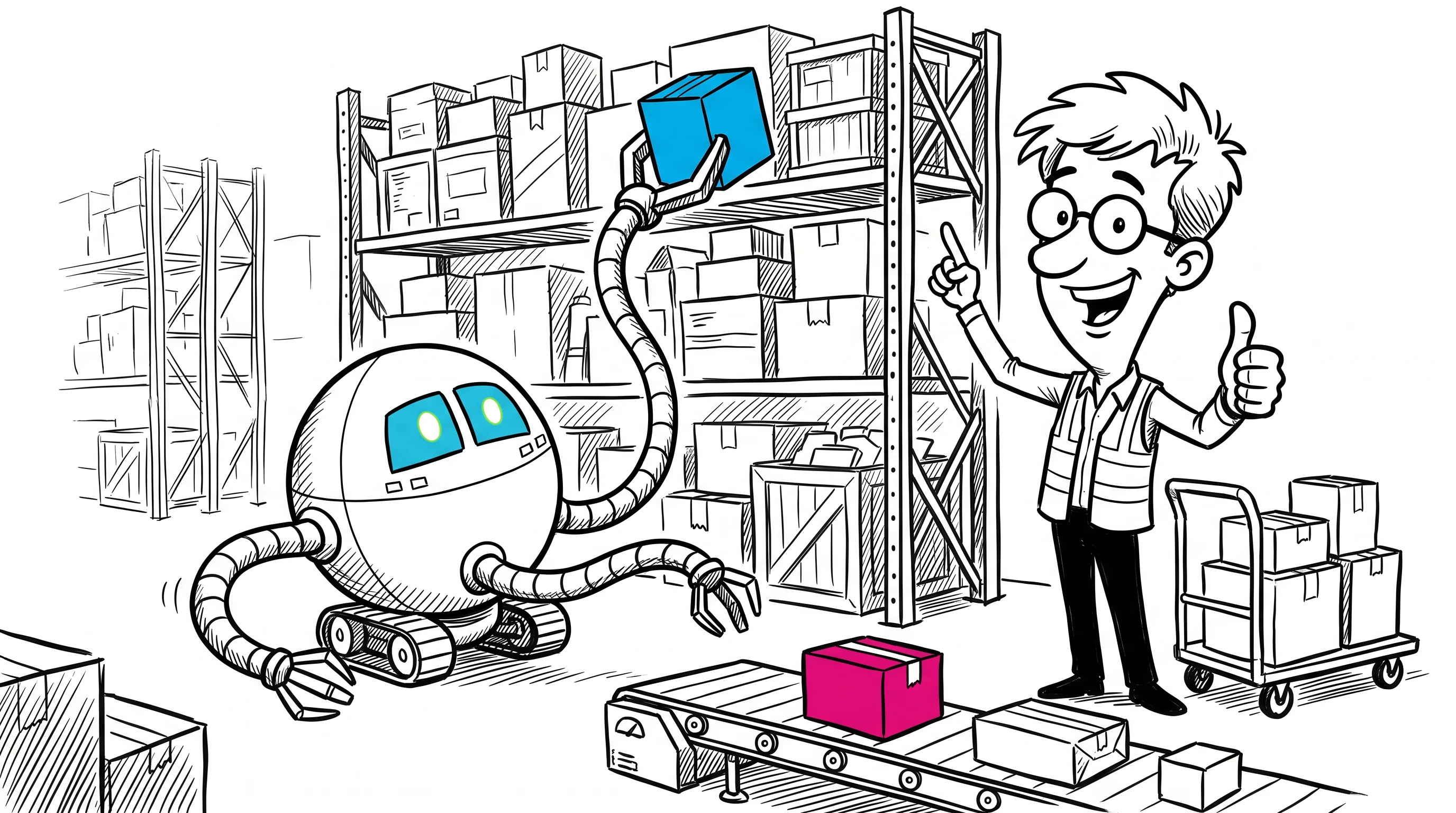
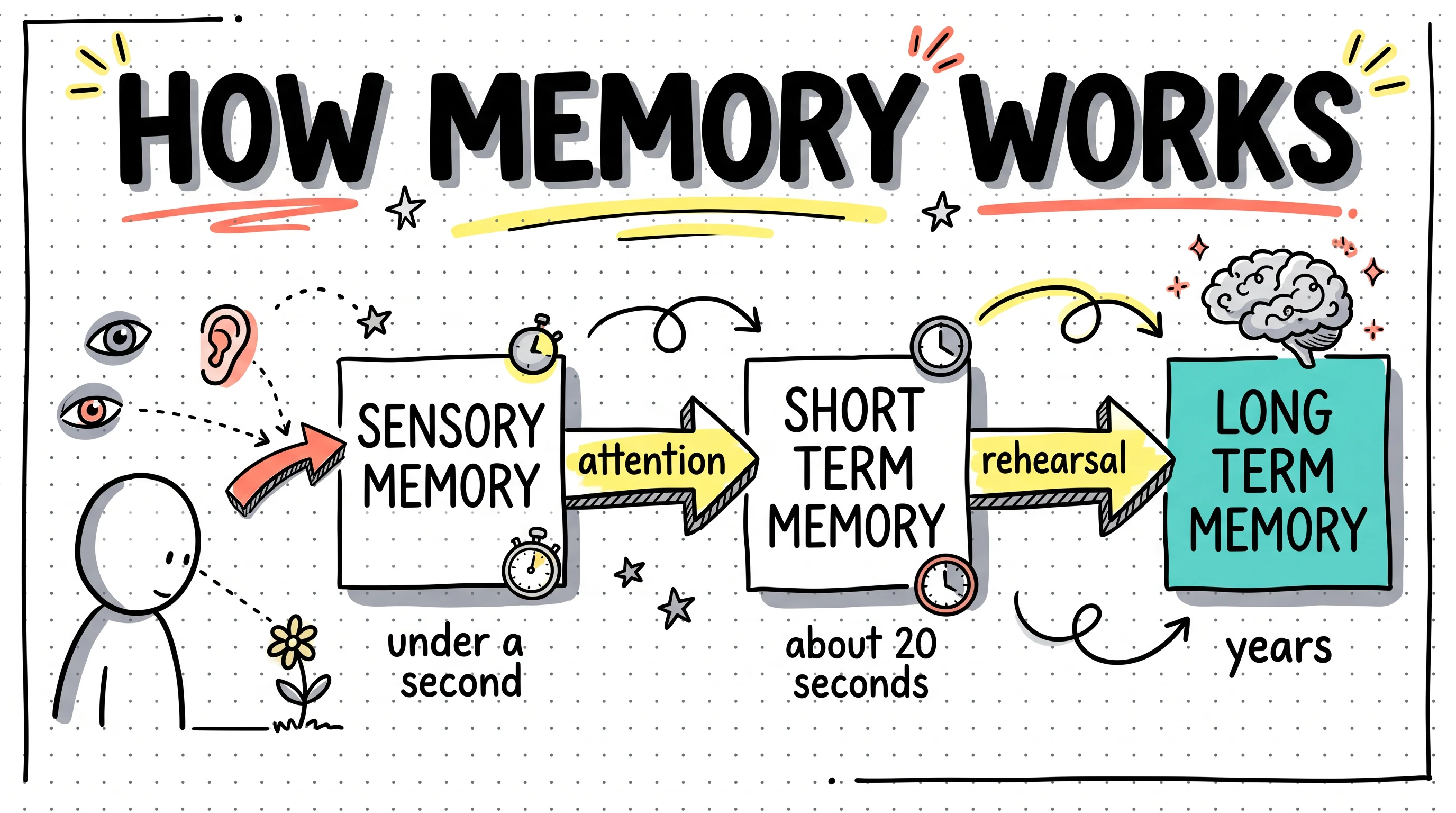
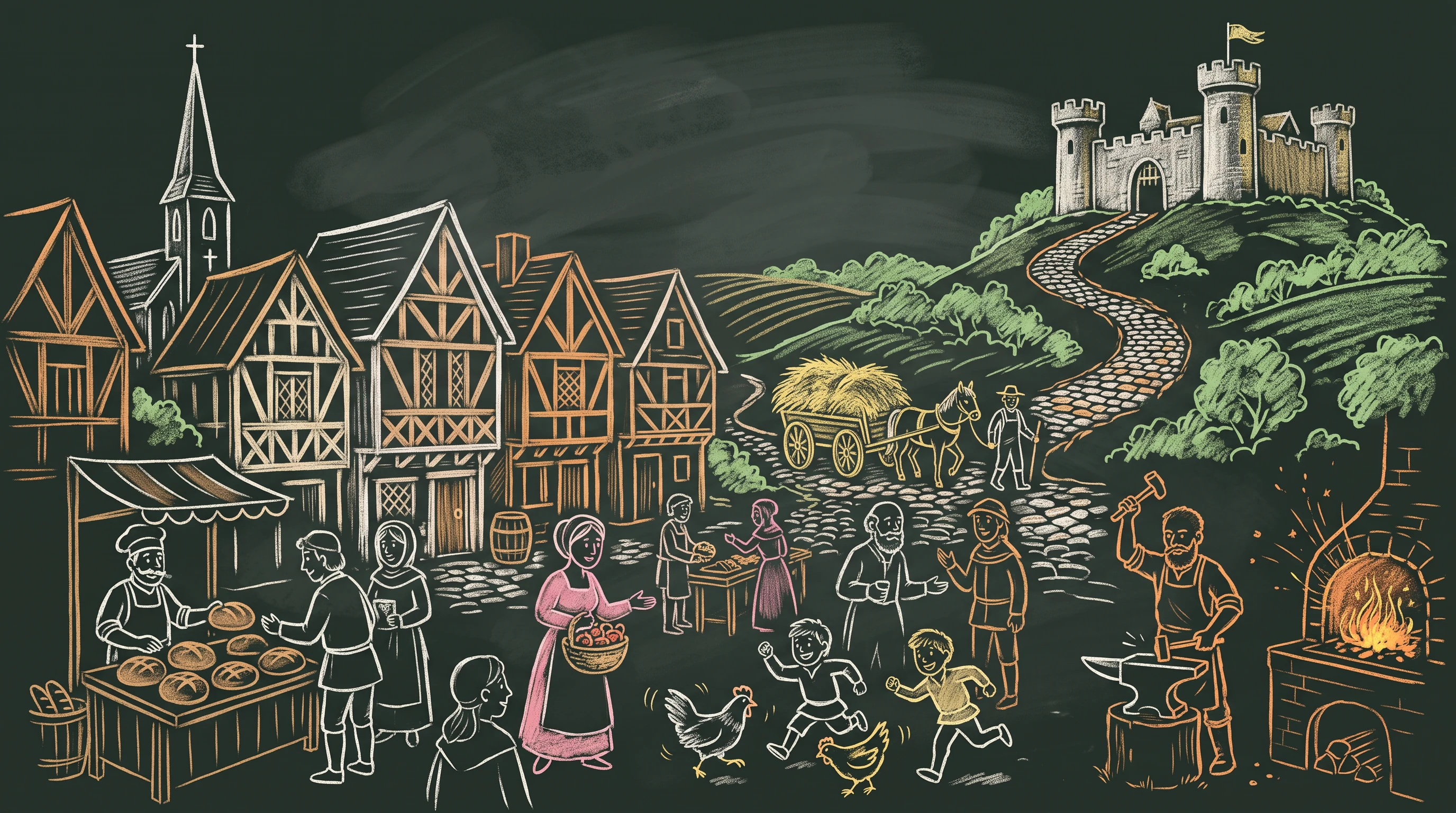
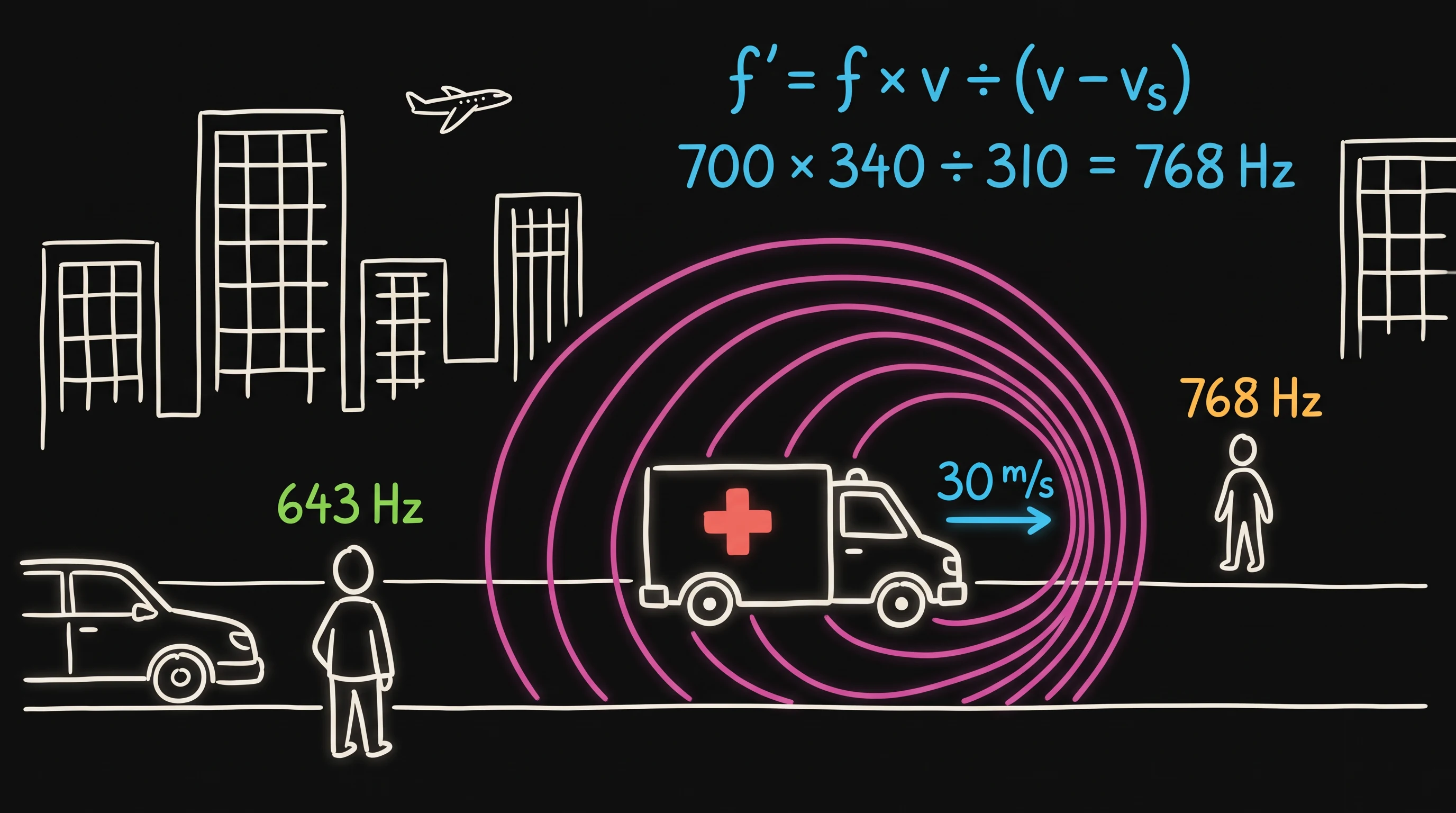
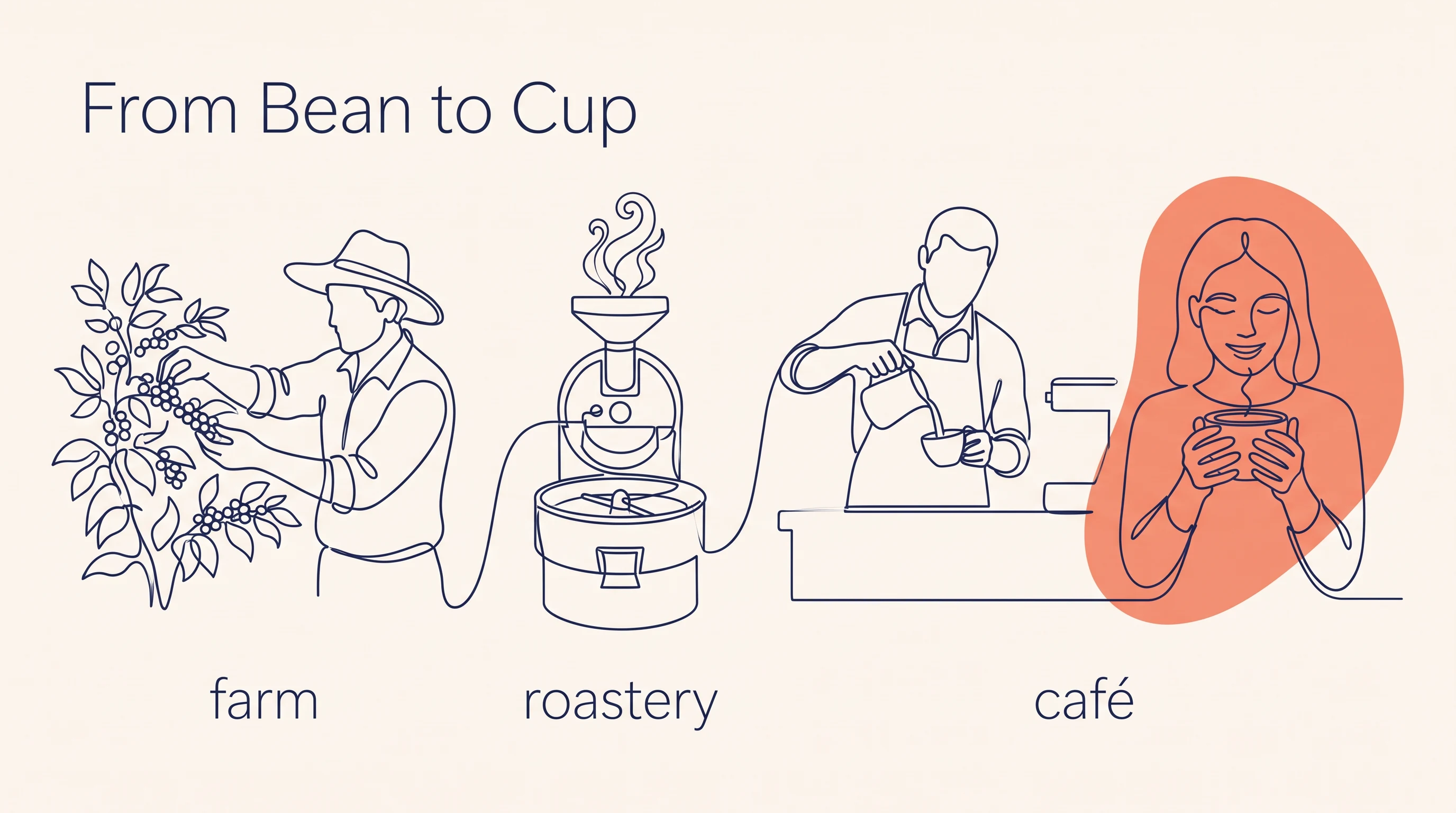
Eight hand drawn whiteboard animation styles
Every style keeps its own line, palette and characters across the whole video. Pick one for your video and Scenema draws every scene in it.
Browse all styles
How it works
How the AI whiteboard video generator works
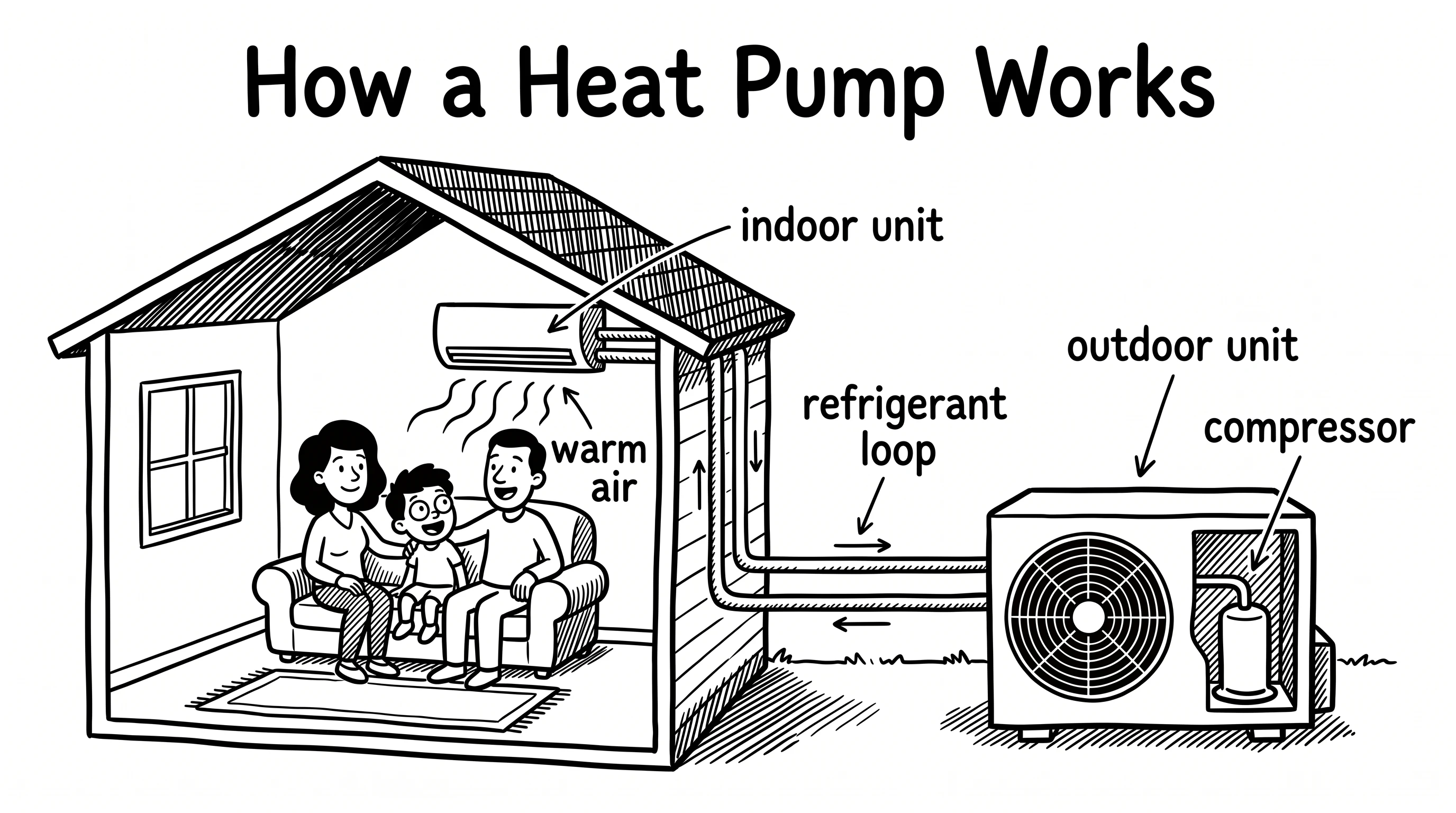
Four steps from an idea to a finished, narrated whiteboard video.
- 1
Share your idea or your material
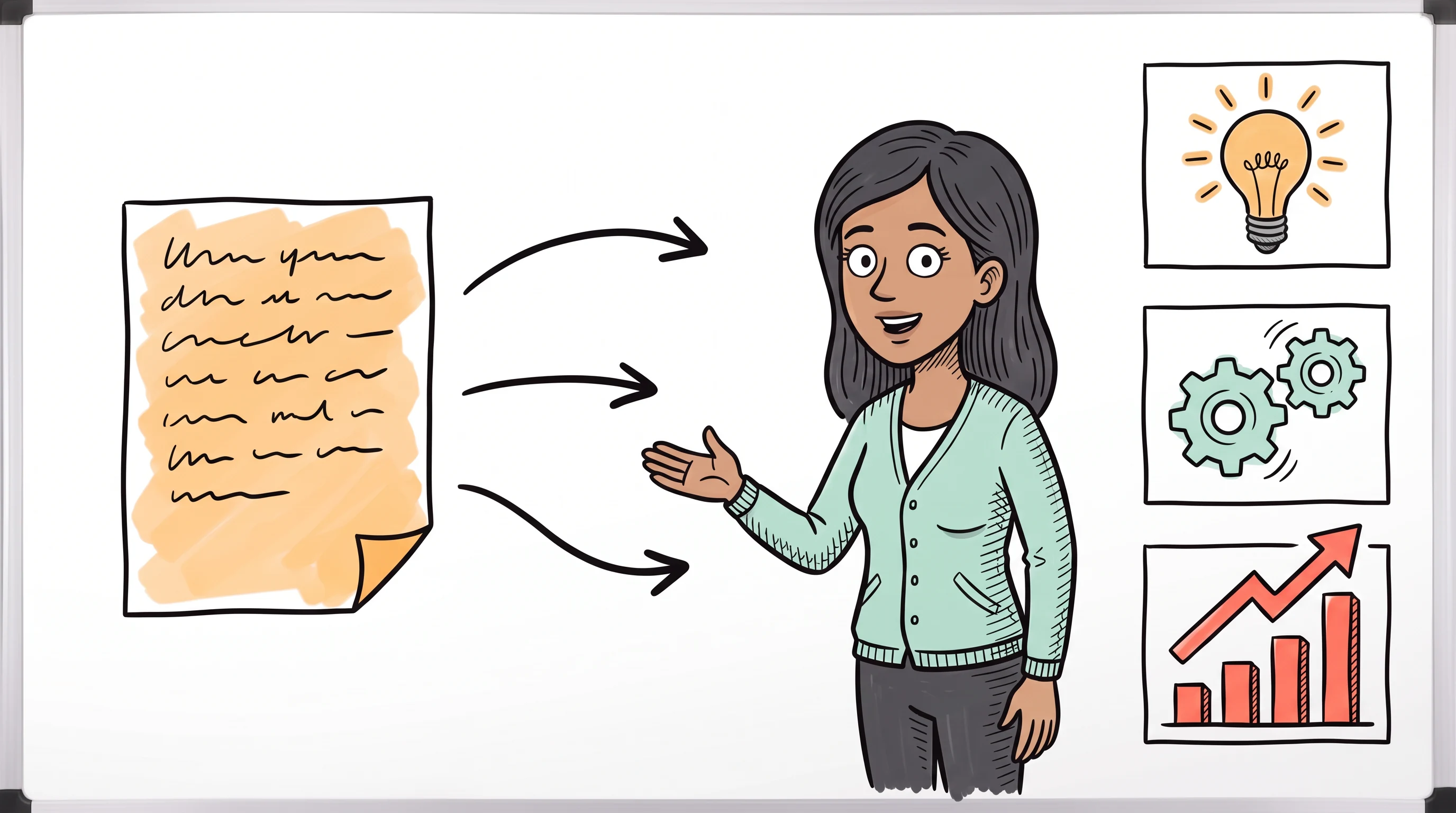
Type a topic, paste a script, or upload a document, slides or images. Images you upload can appear in the video itself.
- 2
Review and approve the script
Scenema writes the script from your brief, or works from yours. You edit it until it reads right, then approve it.
- 3
Scenema narrates and draws every scene
A director plans each shot to match the narration, then draws it in the whiteboard style you chose.
- 4
Watch, export and share
Download the finished whiteboard video with the narration in place.
Inputs
Make a whiteboard video from a prompt, a script, a document or slides
Start from whatever you already have. Scenema reads it and builds the whiteboard lesson around the ideas that matter.
A prompt
Describe the topic and the audience in a few lines. Scenema works out the structure and writes a script at the length you ask for.
Your own script
Paste a script you have already written. Scenema keeps your words, splits them into scenes and draws a picture for every line of narration.
Documents and books
Upload a PDF, a Word document, a spreadsheet or an EPUB, such as a handbook, a report or a book chapter.
Slides
Upload a PowerPoint deck and Scenema turns the slides into a narrated whiteboard lesson.
Notes and images
Upload text notes or images. Your images can appear on the board, so a product photo or a diagram you already own becomes part of the video.
Use cases
What people make with an AI whiteboard video generator
Whiteboard animation suits any topic where an idea has to be built step by step in front of the viewer.
Training and compliance
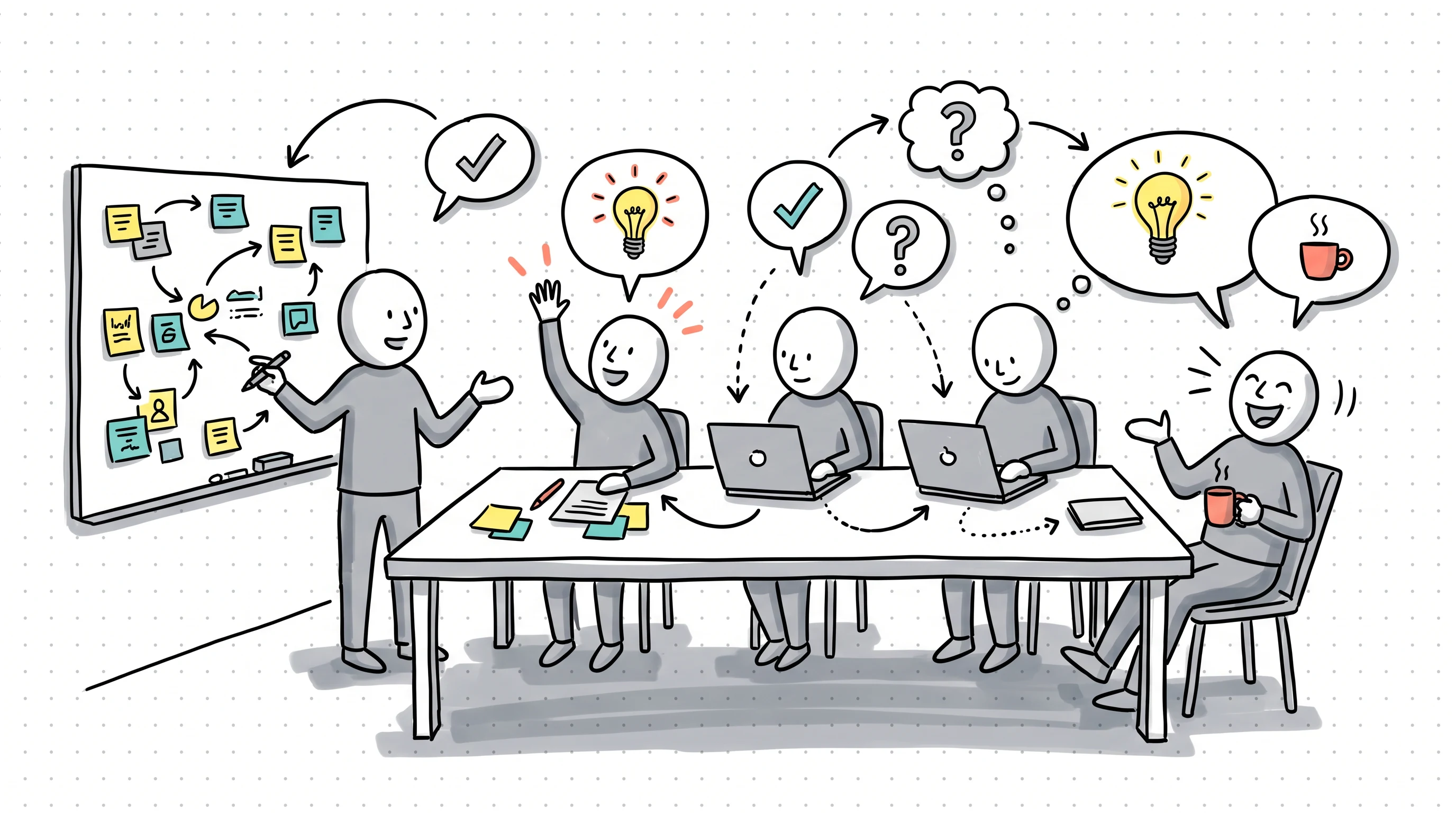
Onboarding, safety rules and policy training. Each rule gets its own drawing, so a sequence of steps reads clearly.
Lessons and lectures
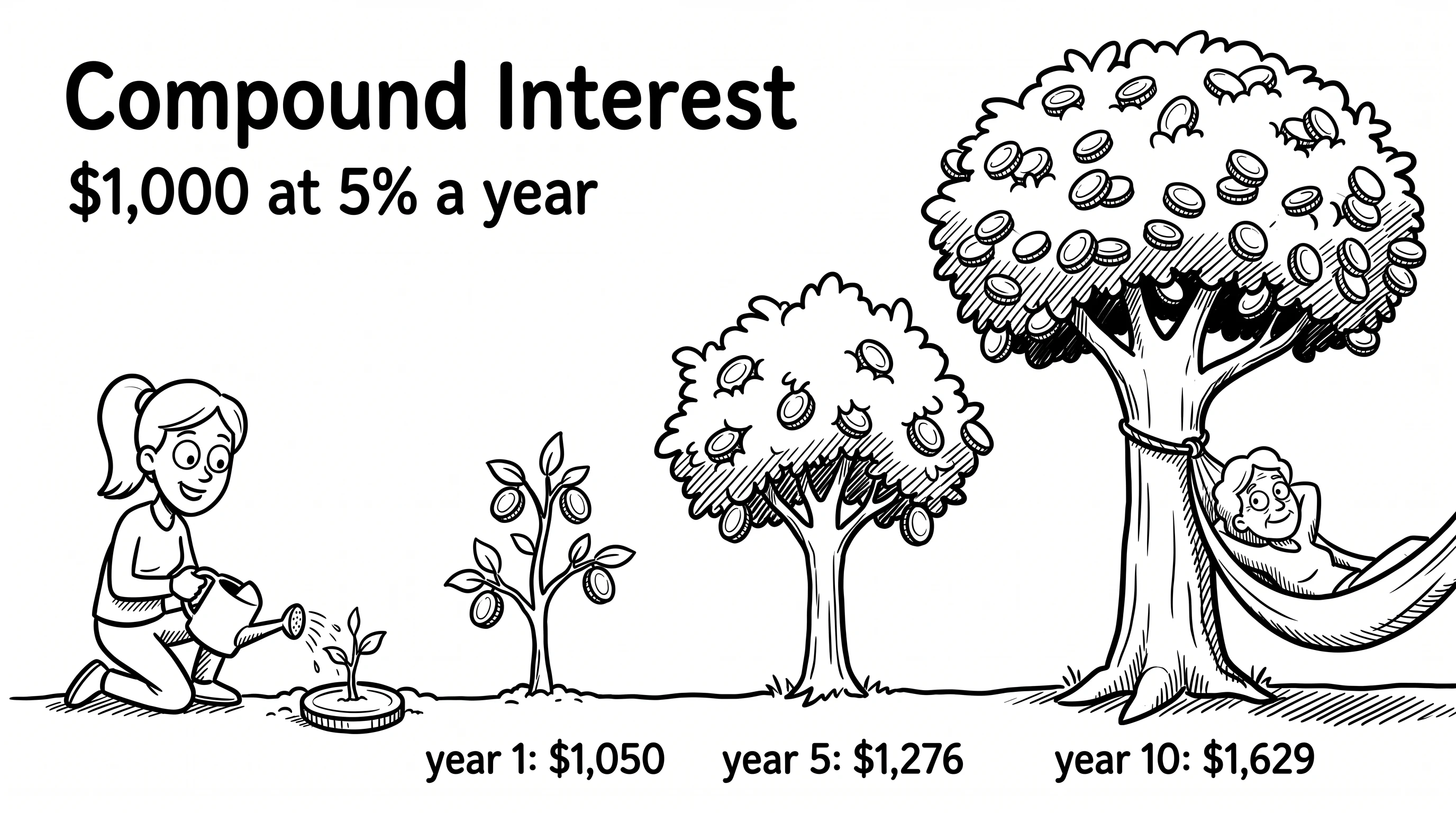
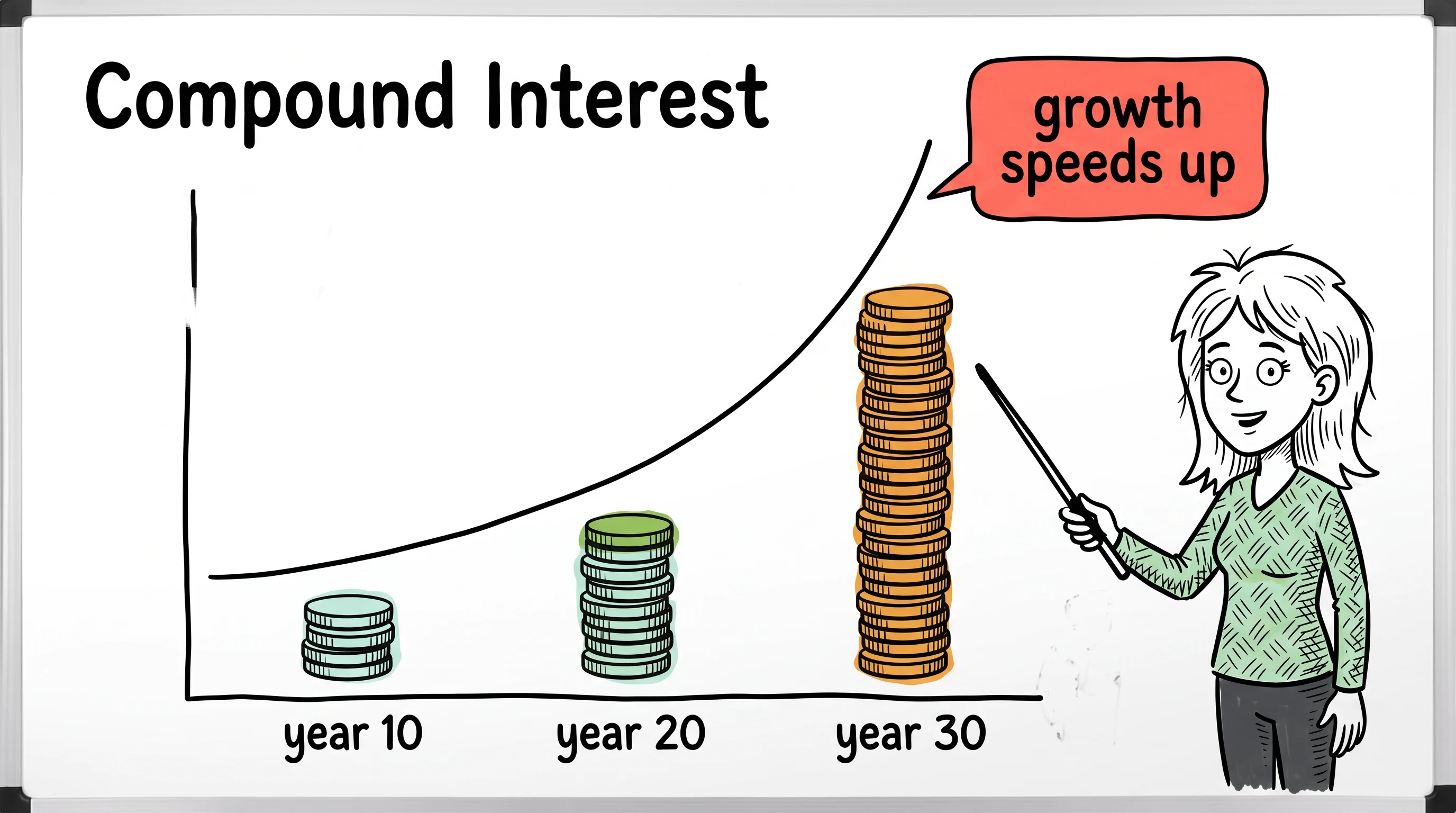
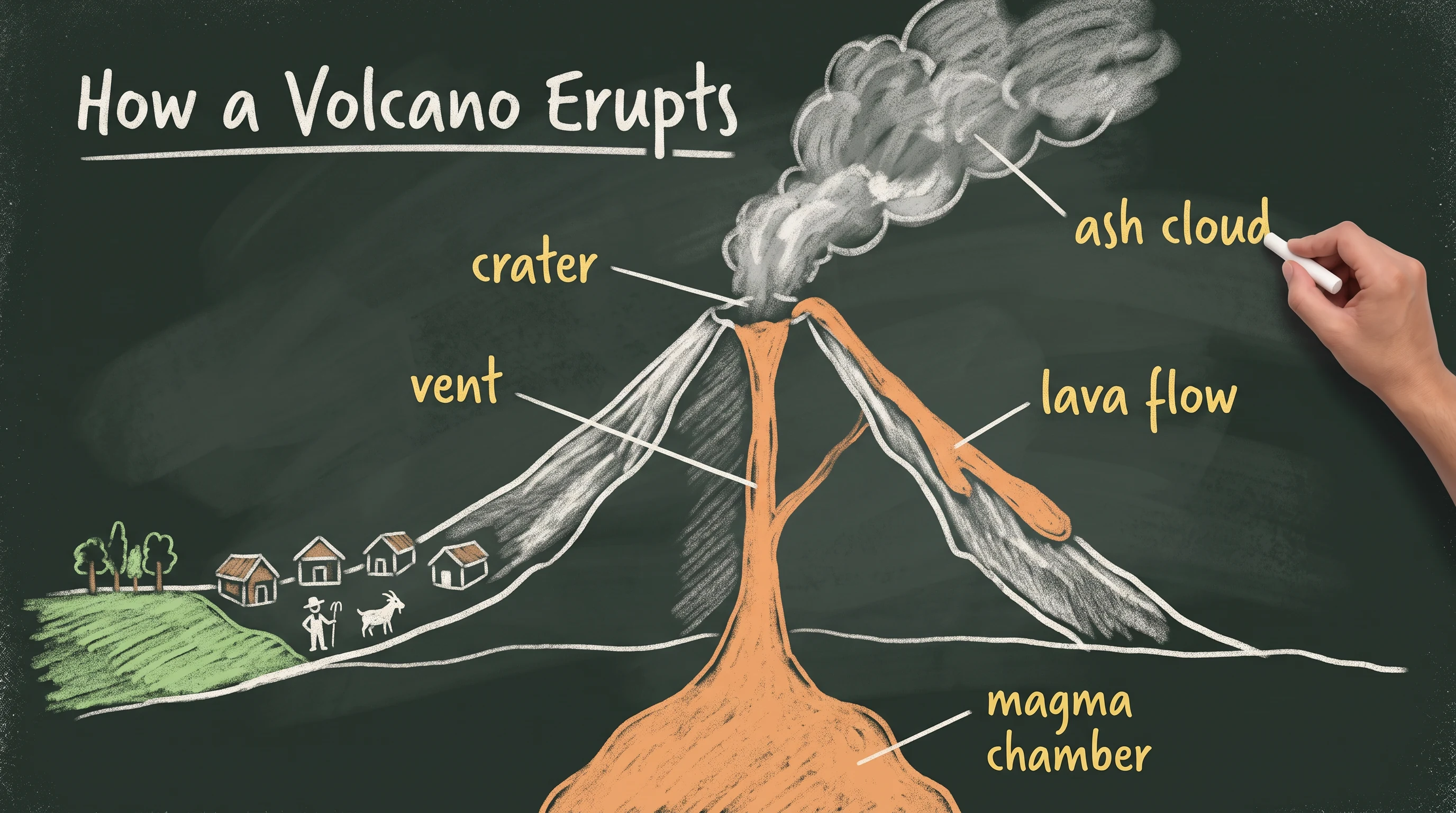
Full lessons for teachers, tutors and course creators, from how compound interest grows to how a volcano erupts.
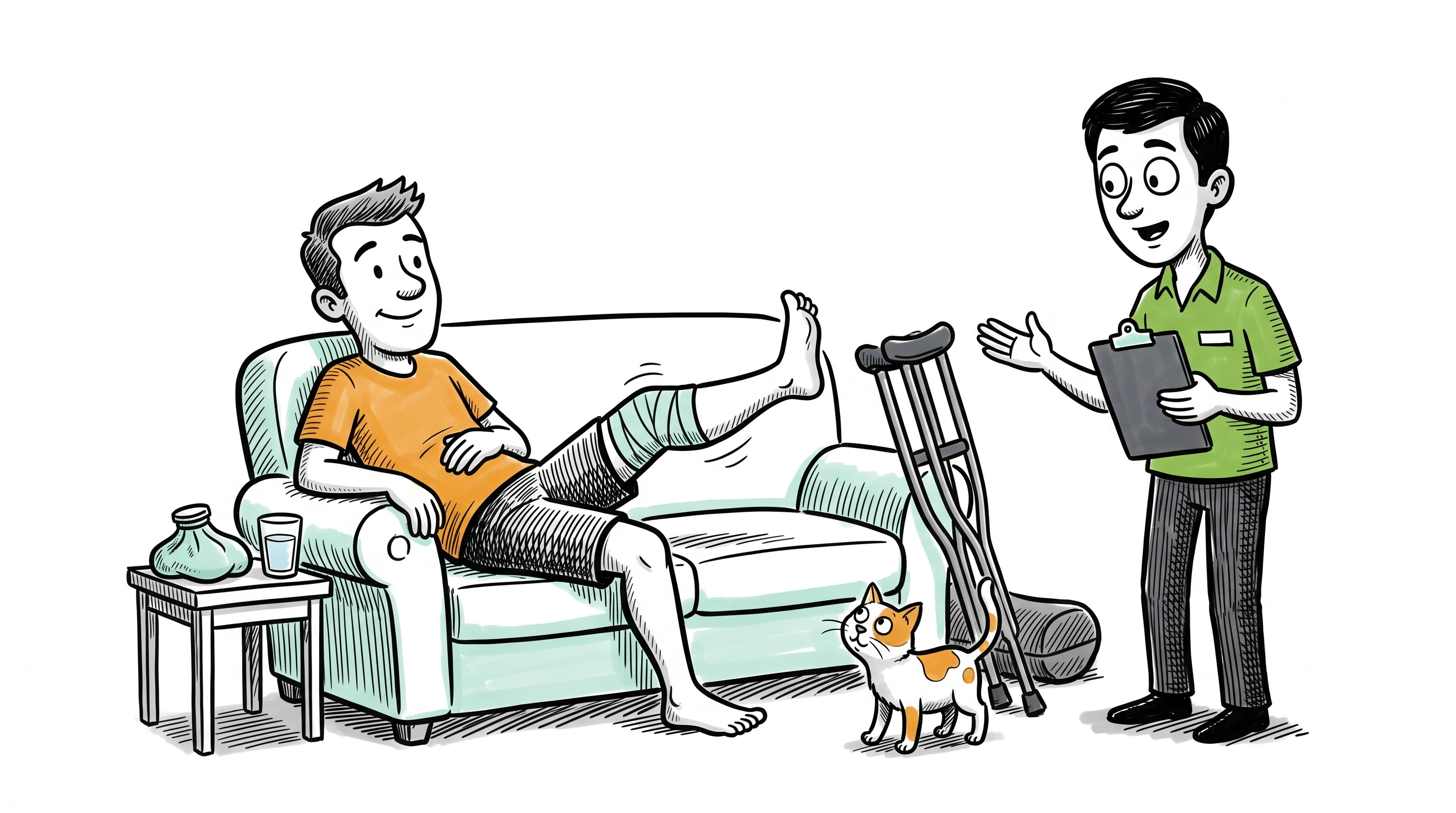
Patient education
Care journeys and treatment explainers in a calm, friendly style, such as recovering after knee surgery or managing diabetes day to day.
Legal, financial and insurance explainers
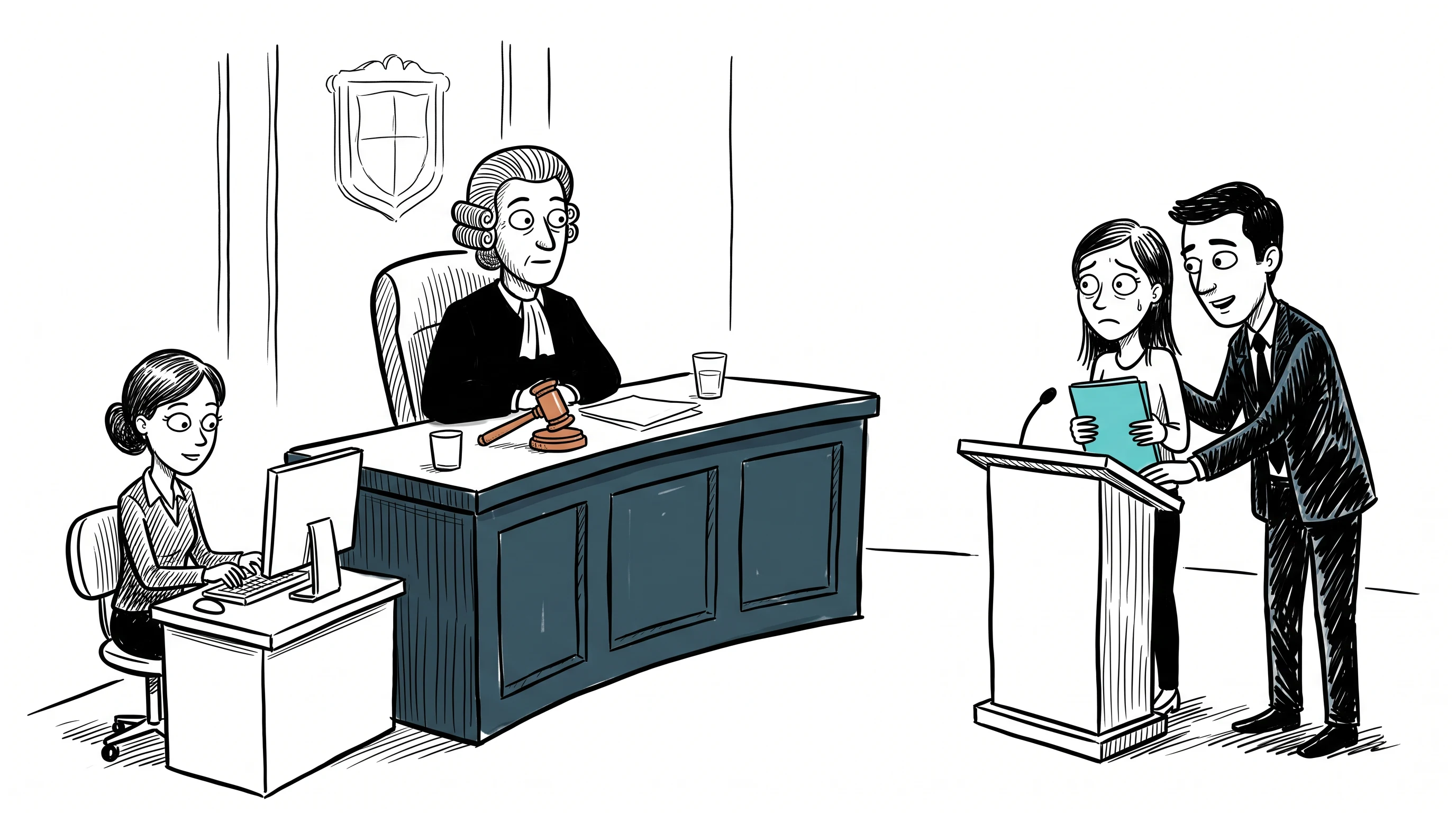
Abstract rules become characters and situations people can follow, such as a first court hearing or what an insurance deductible covers.
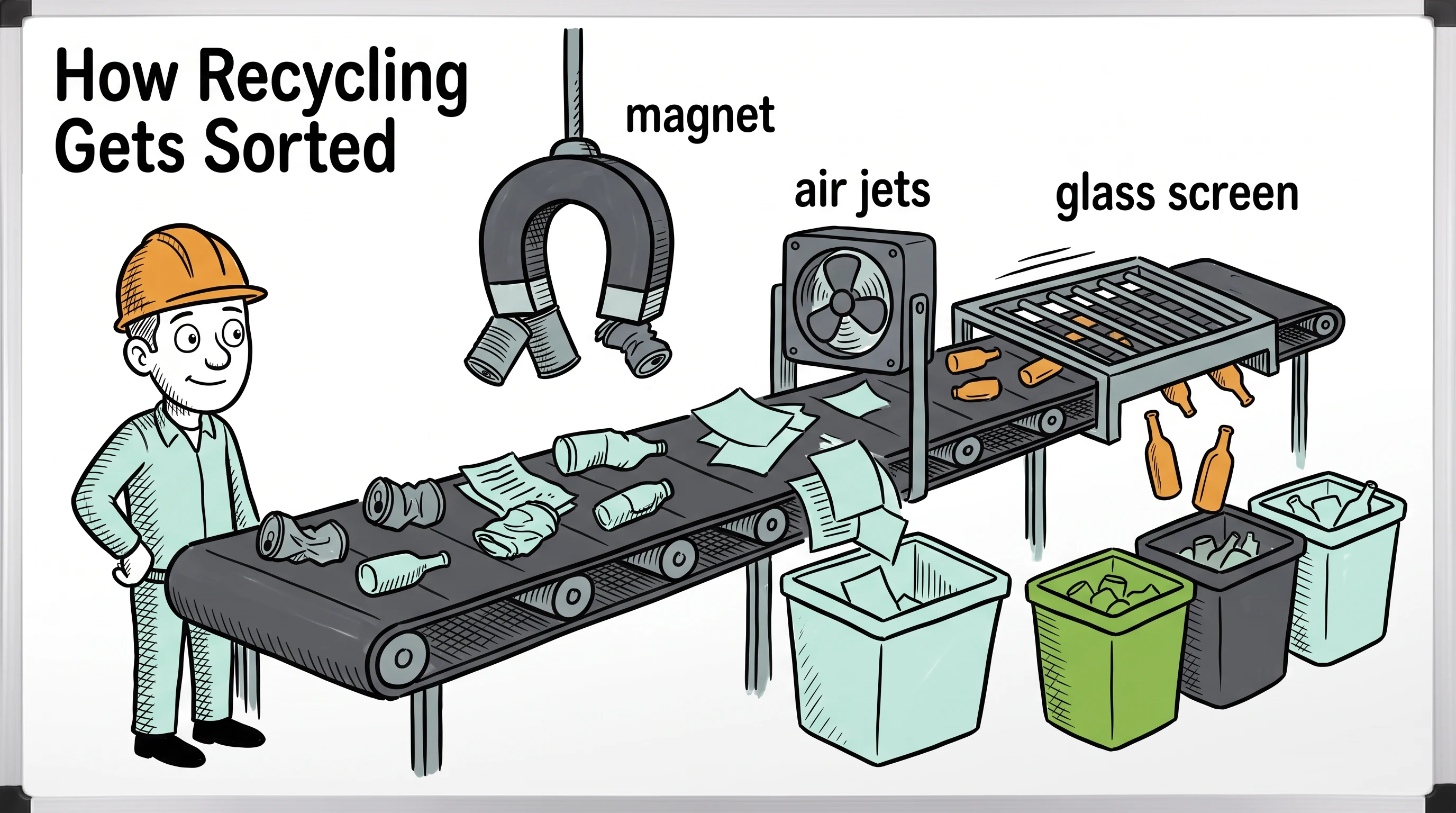
How a process works
Service journeys and step by step processes, such as how recycling gets sorted or how a home care service works from first call to first visit.
Consistency
Why long whiteboard videos need consistent characters
A whiteboard lesson often follows one person through a story, such as a new employee in their first week or a patient after surgery. If that person changes face from one scene to the next, the viewer stops following the idea. Scenema keeps the cast, the drawing style and the voice the same from the first scene to the last.
Up to 15 minutes
Long enough for a full lesson or a training module, in one video.
One reference per character
Created before drawing starts and used in every scene where the character appears.
One narrator voice
The same voice from the opening line to the closing summary.
Compare
AI whiteboard video generator compared with other ways to make whiteboard videos
| Whiteboard animation software you build by hand | Short AI video tools | Scenema | |
|---|---|---|---|
| How a video gets made | You place every drawing, scene by scene | Generated from a prompt | Generated from a prompt, a script, documents or slides |
| Script | You write it | Written for you | Written for you, or yours kept as is |
| Typical length | As long as you are willing to build | About 60 to 90 seconds | Up to 15 minutes |
| Same characters in every scene | Only if you reuse the same drawings | Often drifts between scenes | Kept from the first scene to the last |
| Hand drawn styles | One library look | Usually one whiteboard look | Eight whiteboard styles |
Whiteboard video makers such as Doodly and VideoScribe give you control over every line, which suits people who enjoy building scenes by hand. Compare Doodly alternatives
FAQ
AI whiteboard video generator questions
What is an AI whiteboard video generator?
+
An AI whiteboard video generator is a tool that turns a topic, a script or a document into a narrated whiteboard animation, with no drawing on your part. Scenema, for example, writes the script, designs each scene, draws it in a hand drawn whiteboard style and adds the narration, so a full lesson or training module comes out as one finished video.
Can AI make a whiteboard animation from a script?
+
Yes, AI can turn a finished script into a whiteboard animation. The tool splits the script into scenes, draws a picture for each line and adds the narration. Scenema, for example, keeps your script word for word, so the narration matches the script you approved.
Can I make a whiteboard video from a PDF or PowerPoint?
+
Yes, AI tools that read documents can turn a PDF or a PowerPoint deck into a whiteboard video. Scenema, for example, reads the file, picks out the key ideas and builds the video around them. It also accepts Word documents, spreadsheets and EPUB files.
How long can an AI whiteboard video be?
+
Most AI whiteboard tools are built for explainers of a minute or two. Scenema makes whiteboard videos of up to 15 minutes, which is long enough for a full lesson or a training module.
Do the characters stay the same across the whole video?
+
Yes, characters stay the same when the tool keeps a reference for each one. Scenema creates one reference per recurring character before drawing starts and uses it in every scene where that character appears. The narrator also keeps the same voice throughout.
Which whiteboard style is best for training videos?
+
Clean marker styles with a little colour work best for training, because clear lines read well at small sizes and colour can flag the rule that matters. On Scenema, Ink and Hatch Whiteboard and Pure Ink Whiteboard suit most training, and Ink Caricature Whiteboard adds expressive characters for legal or policy topics.
Which whiteboard style is best for maths and science lessons?
+
Maths and science lessons work best in a style made for equations and diagrams. On Scenema, Digital Ink on Black writes worked examples in glowing ink on a black screen, and Chalkboard suits younger classes as well as history and geography lessons.
What is the difference between whiteboard animation and chalkboard animation?
+
Whiteboard animation draws dark marker lines on a white board. Chalkboard animation draws in dusty chalk on a dark slate, which feels more like a classroom. Scenema offers both styles. See the chalkboard style
What is the best whiteboard animation software?
+
The best whiteboard animation software depends on how you want to work. Doodly and VideoScribe suit people who want to place every drawing by hand. An AI whiteboard video generator such as Scenema suits long lessons and training videos, because it writes the script, draws the scenes and adds the narration for you. Compare Doodly alternatives
How is Scenema different from Doodly and VideoScribe?
+
Doodly and VideoScribe are apps where you place each drawing yourself, scene by scene. An AI whiteboard video generator such as Scenema makes the whole video for you, including the script, the drawings and the narration, from your prompt or files. Read the Doodly alternatives guide
Is there a free AI whiteboard video generator?
+
Yes, some AI whiteboard video generators have a free plan. Scenema's free plan lets you make a short whiteboard video before you pay. See pricing
Keep reading
More about whiteboard and long form videos
Make your first AI whiteboard video
Start from a topic, a script or a document. Scenema drafts the script for you to approve, then draws and narrates every scene.
Make a whiteboard video