Science animation
Make science animations that explain how things work
Start from a topic, lecture notes, or a research paper and say who will watch. Scenema writes the narration, draws every diagram in the style you pick, and animates the explanation shot by shot.
Start free: make a video of up to 30 seconds. No credit card required.
A physics animation made from a Nobel lecture
This whiteboard explainer on the blue LED was made in Scenema from the PDF of Shuji Nakamura's Nobel lecture. The narration follows the lecture, and the diagrams show electrons and holes meeting in a thin glowing layer.
Scenema planned 16 shots and drew each one before animating it. Read how its storyboard was planned, or see how the same approach works for other PDFs.
How Shuji Nakamura Made the Blue LED Possible · 3 minutes 20 seconds
Science animation examples by subject
Each of these videos was made in Scenema from a prompt of about 100 words. Click or tap a video to play it here, or open its page to read the prompt.
Physics animation
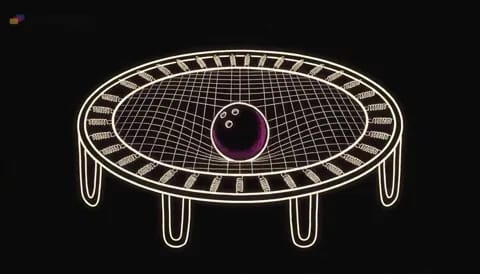
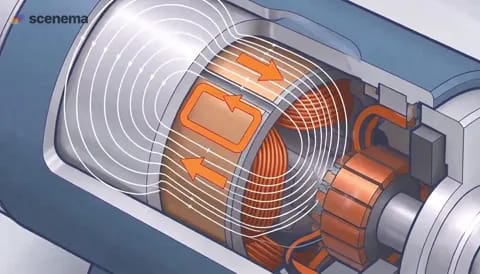
Forces, fields, and motion are drawn step by step, from gravity to the coil inside an electric motor.
Chemistry animation
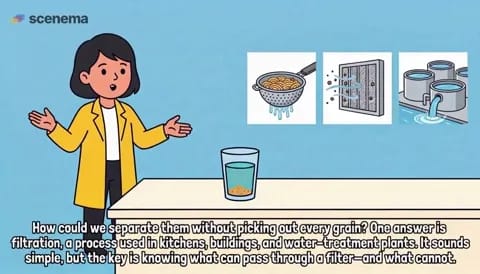
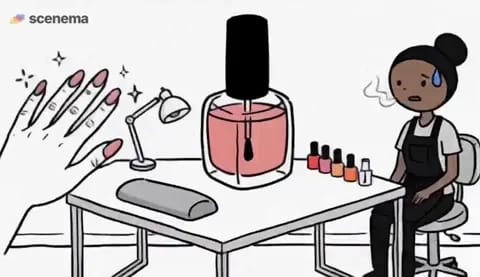
Mixtures and reactions are explained through the everyday objects they happen in.
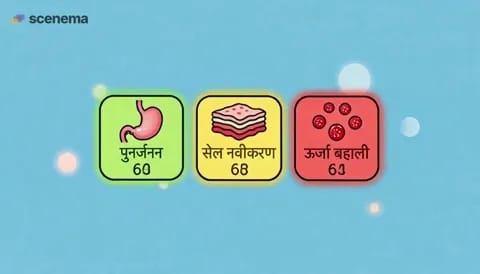
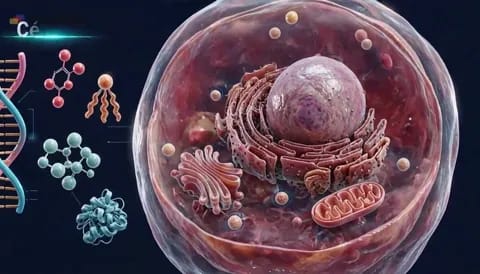
Biology animation
Cells, tissues, and the body appear in flat infographics or biomedical 3D.
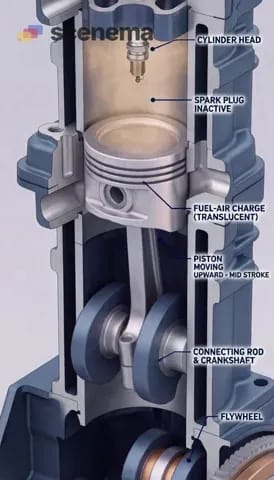
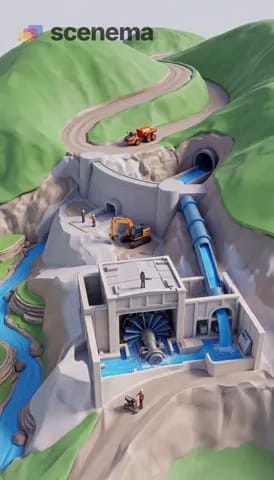
Engineering animation
These vertical Shorts open up machines and structures in cutaway 3D, so a viewer can follow each moving part.
How to make a science animation with AI
- 1
Start from your source
Upload a paper, lecture notes, or a textbook chapter, or describe the topic. Scenema's Director, its planning assistant, writes the narration from what you give it.
- 2
Say who will watch
Name the audience and the level, such as a Class 10 lesson or a channel for curious adults, and the length you need.
- 3
Check the science
Read the narration against your source before any shot is drawn, and correct a term or a number in plain words.
- 4
Review the storyboard
Look at every shot as a picture first, and ask the Director to redraw a diagram before anything is animated.
- 5
Animate and export
Scenema animates every shot, times it to the narration, and exports an MP4 in 16:9 for lessons or 9:16 for Shorts.
Turn your next lesson into an animation
Start with one topic from your syllabus or channel plan.
How to keep a science animation accurate
Start from a source you trust
When you upload a paper, notes, or a chapter, the narration sticks to that material. Outside background is added only when you ask for it. Charts and diagrams from a PDF are redrawn in the video's style.
Check it before it moves
AI can still get a unit or a label wrong, or put a step out of order. Read the narration against your source, then check every diagram on the storyboard, because a fix costs one picture before animation and a whole clip after it.
Ways to make a science animation compared
A science animation can come from an AI tool, a studio, or animation software. Scenema, our own product, makes it from your topic or source, while studios such as Sci Ani and Animate Your Science make it for you. Animators can also build one in After Effects, Blender, Cinema 4D, or Manim. We describe each studio and tool from its own pages.
| Compared | Scenema | Science animation studios | Animation software |
|---|---|---|---|
| Who does the work | You give the topic or source and review the plan, and Scenema writes, draws, and animates | A team of animators and science writers makes it for you | You design, animate, and time every scene yourself |
| Narration | Read by a voice you choose from more than 500, in over 75 languages | Scripted and recorded by the studio | Recorded separately and edited in |
| Best for | Lessons, channels, and paper summaries that need to be made often | Flagship films for research groups, pharma, and biotech | Custom visuals, simulations, and data-driven animation |
Scenema
- Who does the work
- You give the topic or source and review the plan, and Scenema writes, draws, and animates
- Narration
- Read by a voice you choose from more than 500, in over 75 languages
- Best for
- Lessons, channels, and paper summaries that need to be made often
Science animation studios
- Who does the work
- A team of animators and science writers makes it for you
- Narration
- Scripted and recorded by the studio
- Best for
- Flagship films for research groups, pharma, and biotech
Animation software
- Who does the work
- You design, animate, and time every scene yourself
- Narration
- Recorded separately and edited in
- Best for
- Custom visuals, simulations, and data-driven animation
Who makes science animations with Scenema
Lessons and homework
Teachers make a short lesson for one syllabus topic, which students can watch again before a test.
AI educational video generatorsScience channels and Shorts
Creators run a series with the same narrator and look in every episode, vertical for Shorts or wide for YouTube.
Start a faceless YouTube channelResearch and papers
Researchers turn a paper into a summary for readers outside the field, made from the paper itself.
Turn a PDF into a videoTechnical training
Companies show new staff or customers how a machine or a process works, with cutaway views of its main parts.
AI training video generatorFAQ
Questions about science animation
What is science animation?+
Science animation uses moving pictures to explain how something in science works, such as a cell dividing or a motor turning. It shows processes that are too small, too fast, or too slow to see directly.
How do I make a science animation with AI?+
Give an AI tool such as Scenema your topic or source and say who will watch. Once you approve the narration and the storyboard, it produces the finished video as an MP4.
Can AI make an accurate science animation?+
AI can make mistakes in science, so a person should check the narration and the diagrams against the source. Scenema shows you both for review, and you can ask for a fix in plain words.
What software is used for scientific animation?+
AI tools such as Scenema make the whole animation from a script or a source. Studios and animators often use After Effects for 2D motion, Blender or Cinema 4D for 3D, and Manim for animated math.
Can I make a science animation for free?+
Yes, Scenema has a free plan with no credit card, which makes a watermarked video of up to 30 seconds. Longer videos need a paid plan.
How long can a science animation be?+
A Scenema video can have one or more chapters, each up to 30 minutes long.
Can I make science videos in other languages?+
Yes, Scenema narrates in more than 500 voices across over 75 languages. The examples on this page include French, Hindi, and Spanish.
Make your first science animation
Pick a topic your students or viewers keep asking about, and start from the source you would teach it from.
Start free and make a video of up to 30 seconds, with no credit card required.