SaaS explainer video maker
Make SaaS explainer videos with AI
Turn a product brief, a feature doc or a script into an animated explainer. Scenema draws your product screens from your screenshots, keeps the same characters from the first shot to the last and narrates it in your buyers' preferred language.
200 free credits at signup. No credit card required.
SaaS explainer styles made in Scenema
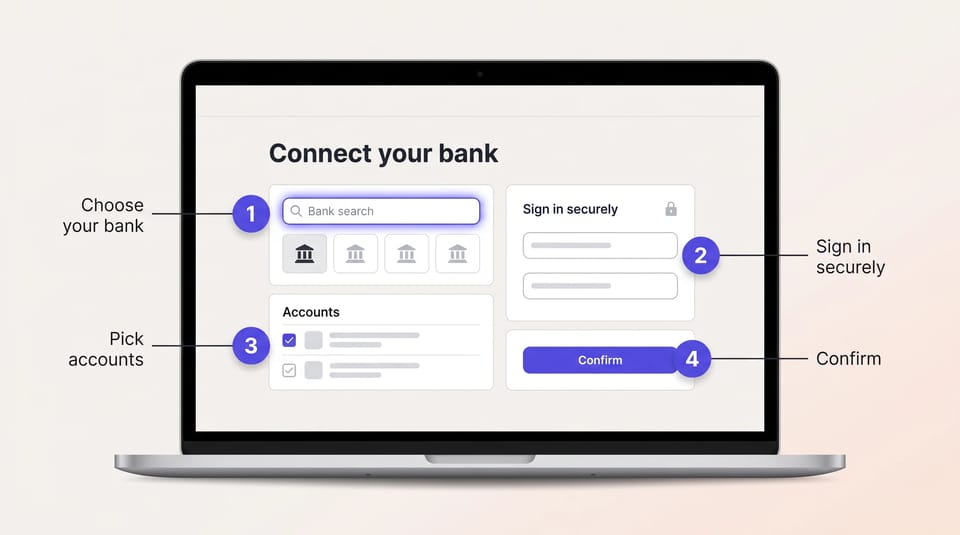
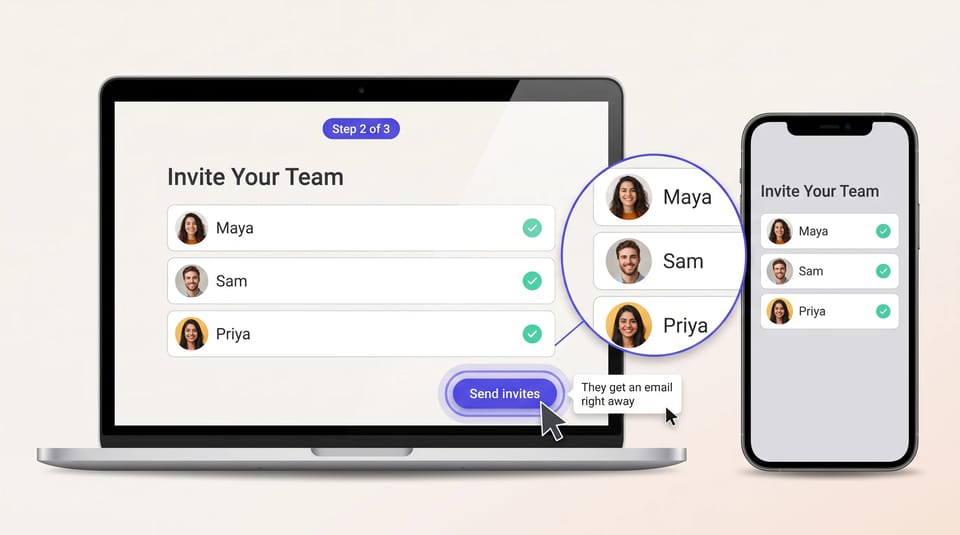
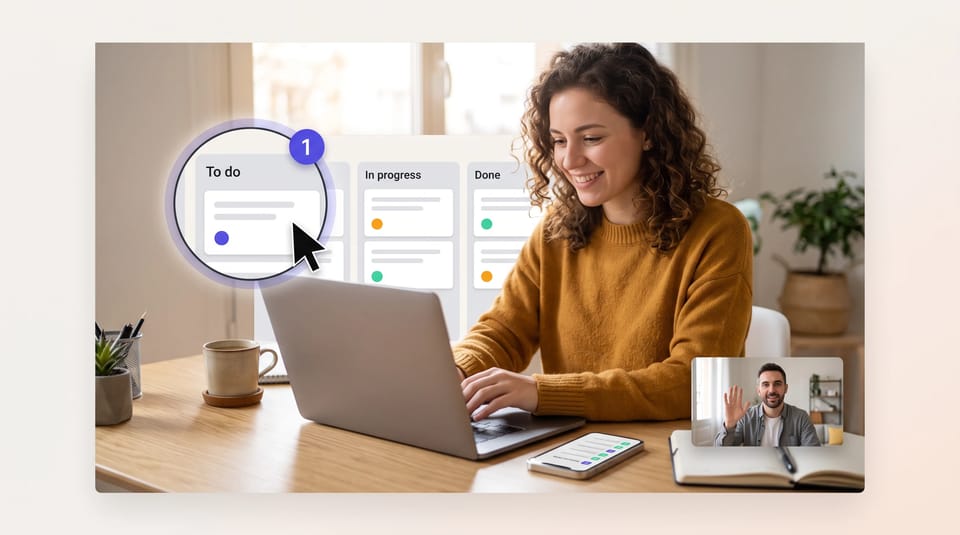
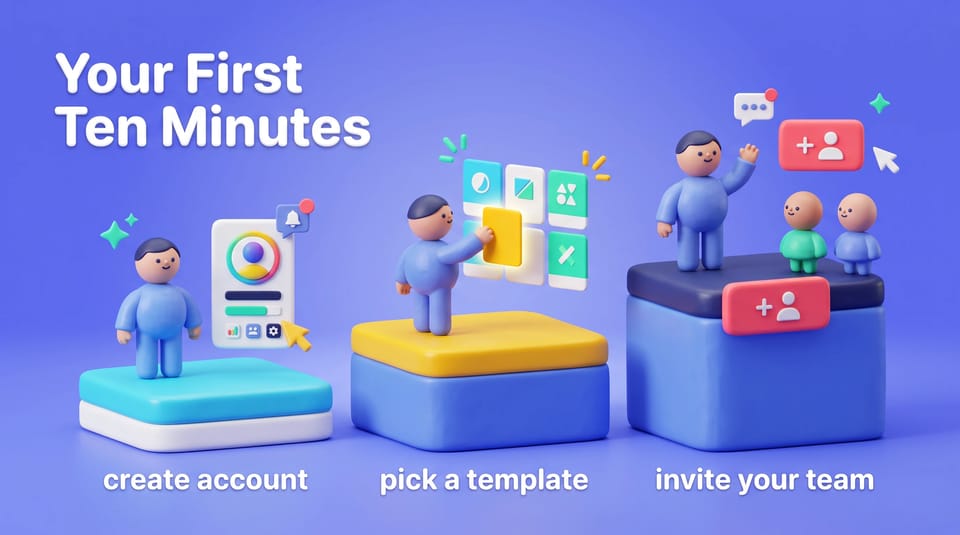
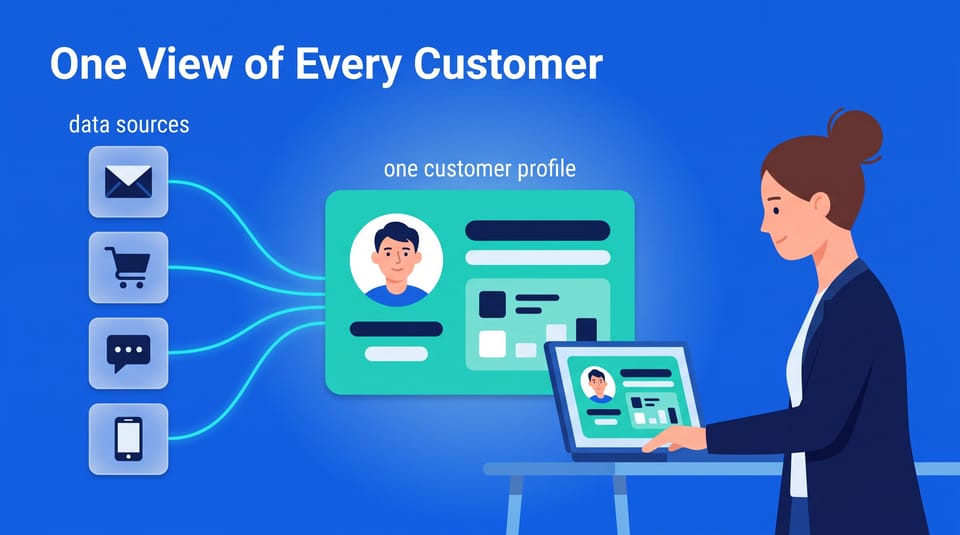
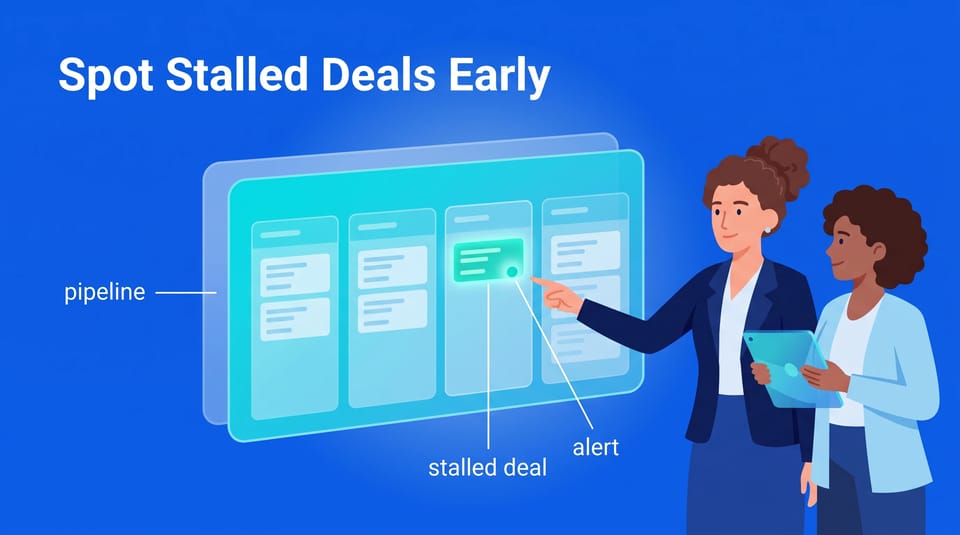
Every scene below was drawn by Scenema for a sample SaaS explainer: product walkthroughs, onboarding steps and the business stories buyers care about.
App Walkthrough
Clay Studio SaaS 3D

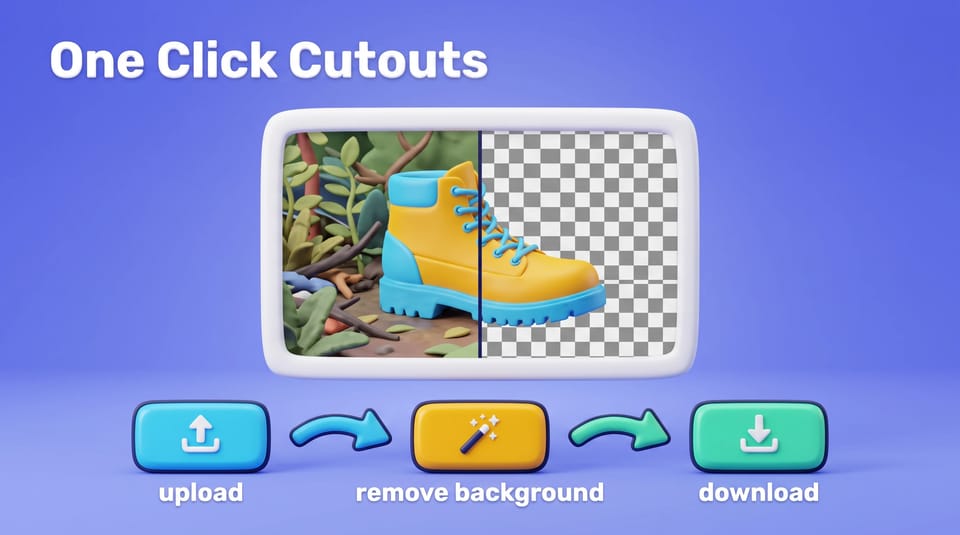
Electric Blue SaaS Vector

Make your product explainer in one of these styles
Upload your screenshots and brief, and Scenema plans, draws and narrates the video.
How Scenema makes a SaaS explainer video
- 1
Start from your product brief
Paste a script, upload a PDF, Word or text file such as a feature brief or help article, or describe the product.
- 2
Add your screens and brand
Upload product screenshots and your logo as references, so the screens Scenema draws follow your own UI.
- 3
Pick a style and a voice
Choose a SaaS style, from flat vector to clay 3D, and a narrator from more than 500 voices.
- 4
Review the shots
Scenema writes the narration, plans every shot and draws it. Change any shot before it is animated.
- 5
Animate and export
Scenema animates each shot, times it to the narration and exports an MP4 for your site, product or ads.
Tip: choose 1080p for product screens
Screens, labels and buttons need sharp text. For SaaS explainers, choose the highest quality setting and 1080p, on plans that include it, so the words on your product screens stay readable. See Scenema's pricing page for which plans include 1080p.
What SaaS teams make with Scenema
Homepage explainer
A 60 to 90 second video that shows the problem your product solves and the one workflow that solves it.
Feature launches
A short video for each release, in the same style as your homepage video.
Onboarding and help center
Step-by-step videos for setup and common tasks, regenerated shot by shot when the UI changes.
Sales enablement
Longer explainers that walk prospects and reps through the product, chapter by chapter.
Every market you sell in
The same video again in another language, from more than 75, with no new recording session.
Social and ad videos
Switch the same video to vertical 9:16 for Shorts, Reels and TikTok. Everything made in 16:9 is kept.
Turning existing copy into video? See script to video, or the AI training video generator for customer education and internal training.
How to make a good SaaS explainer video
Motion designers who make SaaS explainers give the same five pieces of advice.
- 1
Keep the homepage video short
Aim for 60 to 90 seconds. Save the detail for feature and onboarding videos.
- 2
Show one problem and one workflow
Pick the buyer problem your product solves best, and show the path through it.
- 3
Use your own interface
Base the product screens on your actual UI, so viewers recognize it when they sign up.
- 4
Open with the problem
Start with the situation your buyer is in, and leave the logo for the end.
- 5
End with one clear next step
Close on a single call to action, such as starting a free trial or booking a demo.
For writing the narration itself, see our guide to writing a script for an explainer video.
Three ways to make a SaaS explainer video compared
Agencies, templates and AI suit different budgets and release schedules.
| Compared | Explainer agency | After Effects templates | Scenema |
|---|---|---|---|
| Cost | Priced by project. Outmost Studio says professional explainer production typically starts from £10K to £25K+ | A template subscription, plus a motion designer's time | Credits. Try it free, then see pricing |
| Time to a first cut | 6 to 8 weeks from kick-off to delivery, per Outmost Studio | Days to weeks, depending on skill | The same day |
| Changes after launch | A new brief and a new invoice | Edit the project file yourself | Regenerate the shots that changed |
| Best for | A flagship brand film with a large budget | Teams with an in-house motion designer | Explainers, feature videos and onboarding at the pace you ship |
Agency figures from outmost.studio, November 2026.
FAQ
Questions about SaaS explainer videos
What is a SaaS explainer video?+
A SaaS explainer video is a short animated video that shows how a software product solves a specific problem for its buyers. Homepage explainers usually run 60 to 90 seconds and follow one workflow from problem to result.
How long should a SaaS explainer video be?+
Keep a homepage explainer to 60 to 90 seconds. Feature walkthroughs, onboarding and sales videos can run longer, and Scenema can split them into chapters.
How much does an explainer video cost?+
Agencies price by project, and one studio, Outmost, says professional explainer production typically starts from £10K to £25K+. With Scenema you pay in credits. You can try it for free with 200 credits, enough for a watermarked video of about 30 seconds, and Scenema's pricing page lists the plans.
Can ChatGPT create explainer videos?+
ChatGPT can help you write an explainer script. To turn it into an animated video, you need a video tool. Scenema also connects to Claude, so you can make the video from a chat.
Can I use my own product screenshots?+
Yes, you can upload product screenshots and your logo as references, so the screens Scenema draws follow your own interface. For a pixel-exact demo of your live product, a screen recording is still the better fit.
What resolution should a SaaS explainer video be?+
Choose 1080p and the highest quality setting your plan includes. SaaS explainers show product screens, labels and buttons, and small text stays sharp at higher resolution. Scenema's pricing page lists which plans include 1080p.
Can I make my SaaS explainer in other languages?+
Yes, Scenema narrates in more than 75 languages, with over 500 voices, so you can make the same explainer for every market you sell in.
Make your first SaaS explainer
Start from a product brief, a feature doc or a script, and add your screenshots. Scenema plans, draws and narrates every shot.
200 free credits at signup. No credit card required.