guides
Types of animation styles, with examples (2026)
Contents: What are animation styles?
Anyone briefing an animator or picking a look for a video runs into a vocabulary problem. One person says “2D,” another says “flat,” and a third says “cartoon.” Animation styles are the visual looks an animated video can take, defined by its lines, shapes, colors, textures, and the way things move. This guide sorts those looks by technique, shows examples of the main ones, and ends with a way to choose one.
Glossary of animation termsNew to these terms? Click to open 9 short definitions.OpenClose
Frame: One still image in a sequence. Shown quickly one after another, frames create the impression of movement.
Frame rate: How many frames are shown each second. Cinema film runs at 24 frames per second.
Keyframe: A frame that fixes an important pose or position. The frames between two keyframes are filled in afterwards.
In-betweening: Drawing or computing the frames between two keyframes, often shortened to tweening.
Cel: A transparent sheet, originally celluloid, with a character painted on it. Cels were laid over a painted background so the background did not have to be redrawn for every frame.
Rig: A set of digital bones and controls inside a character that lets an animator pose it without redrawing or remodeling it.
Rendering: The computer step that turns a 3D scene, with its models, lights, and materials, into finished frames.
Rotoscoping: Tracing over live action film frame by frame to get lifelike movement in drawn animation.
Isometric view: A drawing angle with no vanishing point, so parallel lines stay parallel and every object keeps its size wherever it sits in the scene.
In this article
- What are animation styles?
- How many types of animation are there?
- What are the main 2D animation styles?
- What are the main 3D animation styles?
- What are motion graphics and kinetic typography?
- What are stop motion and claymation styles?
- How do you choose an animation style for a video?
- Are the 12 principles of animation the same as an animation style?
What are animation styles?
An animation style is the look of an animated video: Its line work, shapes, color palette, textures, lighting, and the character of its movement. An animation technique is the method that produces the motion. The main techniques are drawing frames, posing 3D models, animating graphic layers, and photographing physical objects one frame at a time.
The two terms get mixed up because people often name a technique when they mean a look. One technique can produce many styles. Drawn 2D animation covers flat corporate cartoons, anime, and painterly storybook scenes. A style can also cross techniques. A 3D render with soft, fingerprinted materials can pass for clay stop motion, although no clay was ever photographed.
When you brief an animator or choose a style preset, describe the look you want to see. The technique usually follows from it.
How many types of animation are there?
Most guides sort animation into five types, grouped by how the motion is made. The grouping is a convention, and the edges overlap. Motion graphics, for example, are usually made with 2D digital tools.
| Type of animation | How the motion is made | Styles it produces | Typical uses |
|---|---|---|---|
| Traditional (hand drawn) | Artists draw each frame or each key pose by hand, historically on cels over a painted background | Classic cartoon, anime cel, painterly | Feature films, series, music videos |
| 2D digital | Characters and scenes are drawn or built in software, then moved with keyframes or rigs | Flat cartoon, vector infographic, whiteboard, stick figure, collage | Explainers, social video, training |
| 3D (computer generated) | Objects are modeled, rigged, lit, and rendered by a computer | Stylized characters, isometric, technical cutaway, product | Films, games, product and medical videos |
| Motion graphics | Text, shapes, icons, charts, and maps are animated | Data charts, kinetic typography, maps, app walkthroughs | Finance, data stories, software, title sequences |
| Stop motion | Physical objects are moved slightly and photographed one frame at a time | Clay, puppet, paper cutout, toy and object | Short films, ads, children’s content |
Each technique has a documented starting point. Earl Hurd’s 1915 patent describes drawing the moving parts on transparent sheets laid over a fixed background, the process later known as cel animation. Max Fleischer’s 1917 patent covers tracing filmed live action to draw lifelike movement, which became rotoscoping. In 3D, the Academy of Motion Picture Arts and Sciences records Toy Story (1995) as the first computer animated feature film.
What are the main 2D animation styles?
2D animation styles share a flat picture plane. Depth comes from overlapping layers, shading, and scale, since there is no 3D camera moving through space. Explainer, training, and social videos often use the styles below.
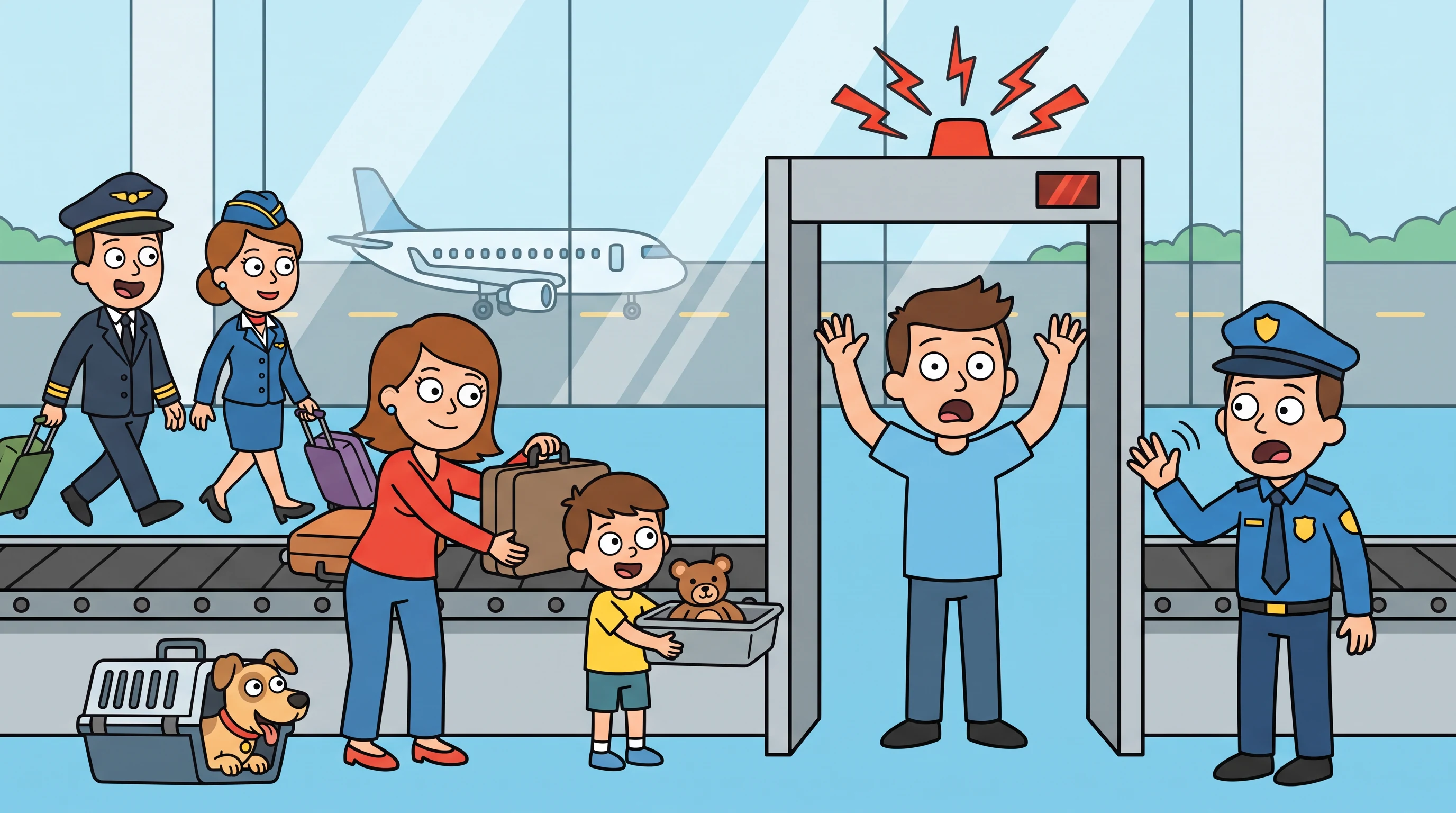
Flat cartoon and vector: Simple geometric shapes, solid color fills, and rounded characters with few details. Shapes this clean stay readable on a phone screen, which is why infographics and product explainers use them so often.
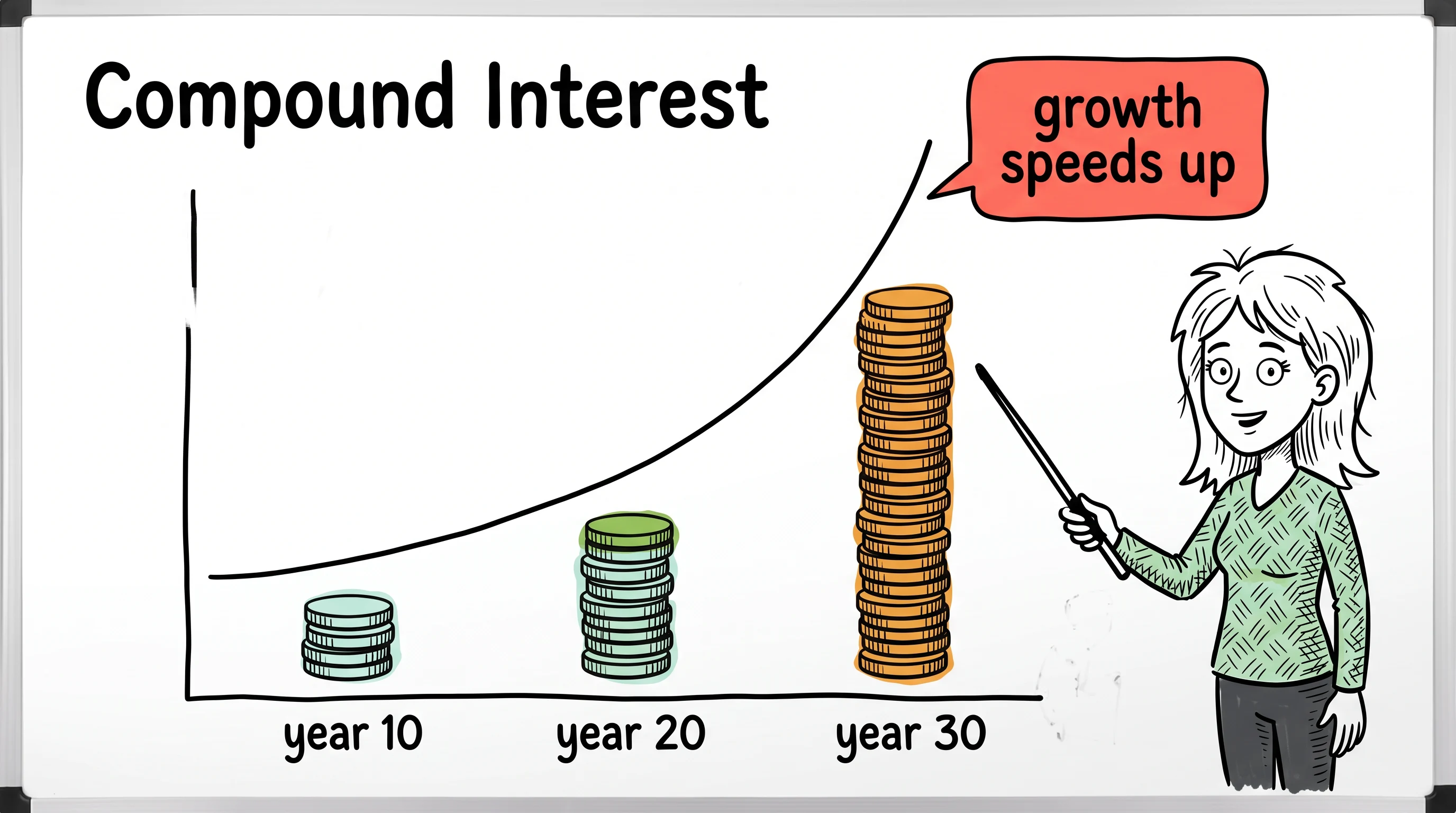
Whiteboard and sketchnote: Black line drawings appear on a white surface, often with a visible hand drawing them as the narrator speaks. The history and research behind the format are in what whiteboard animation is.
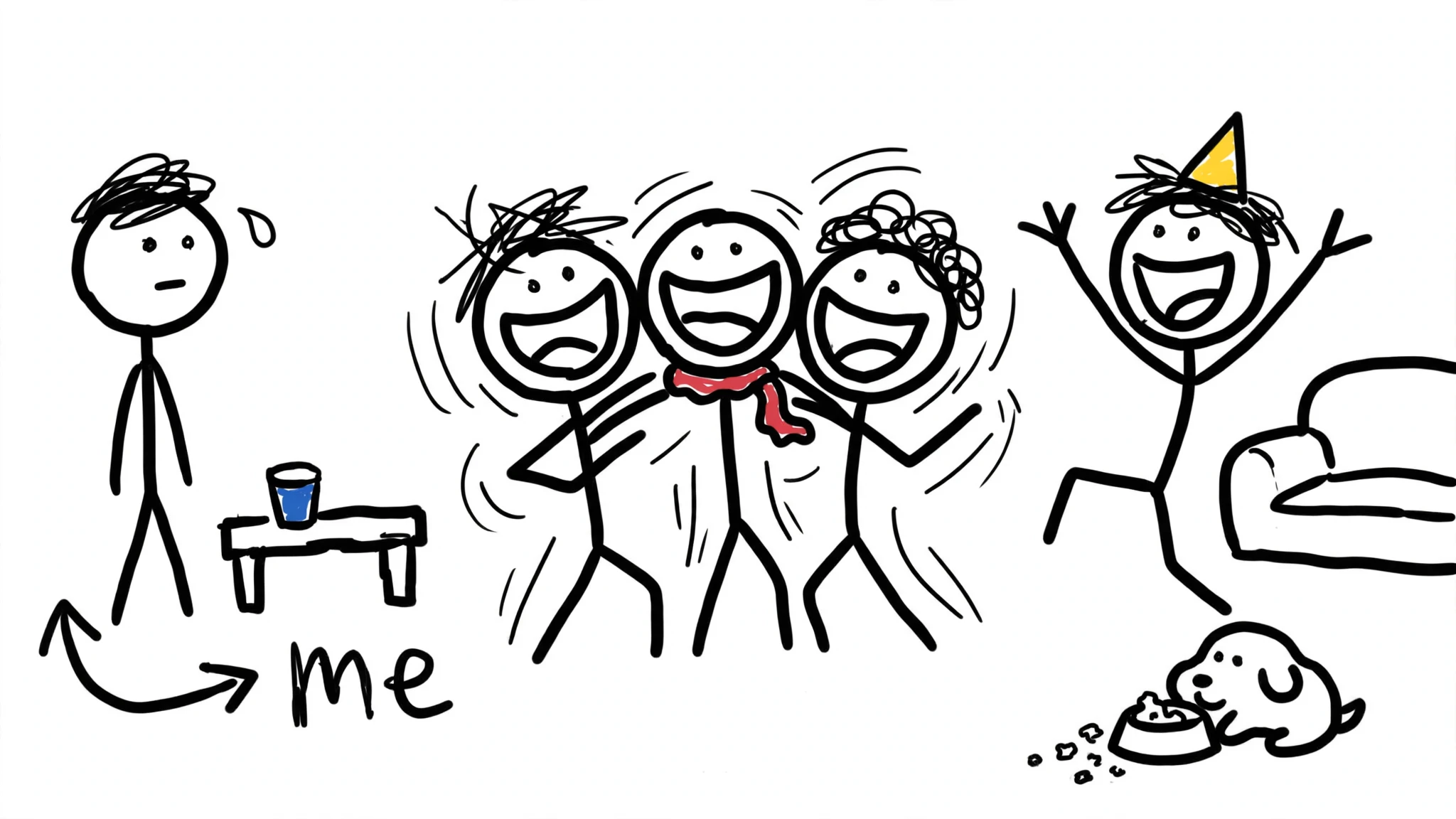
Stick figure: Characters are lines and circles, so timing, gesture, and the narration carry the idea. Our guide to stick figure animation covers the form in depth.
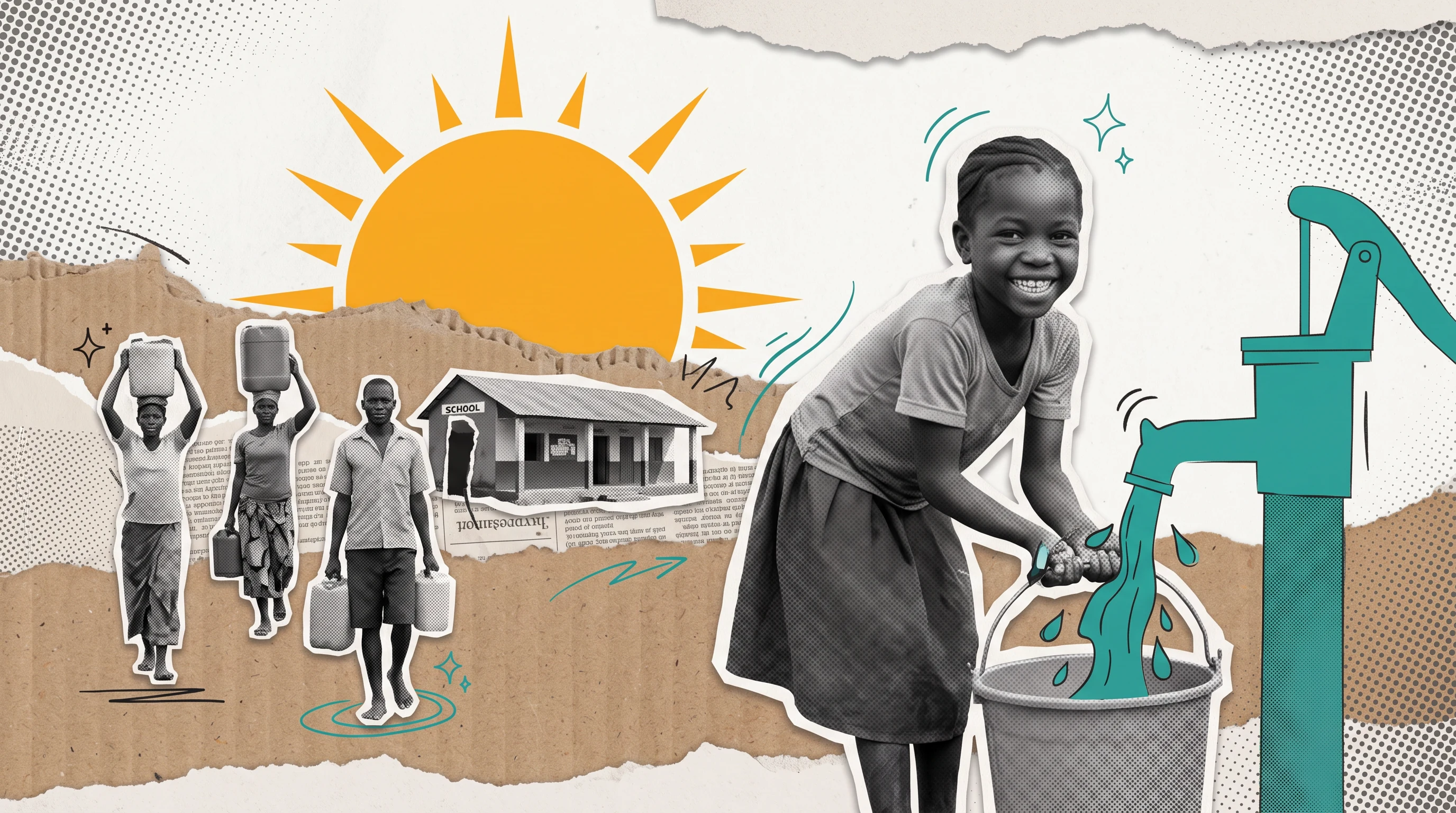
Collage and paper cutout: Photographs, engravings, and cut paper shapes move as flat layers, often with visible paper texture. The collage animation page shows engraving and paper cutout versions.
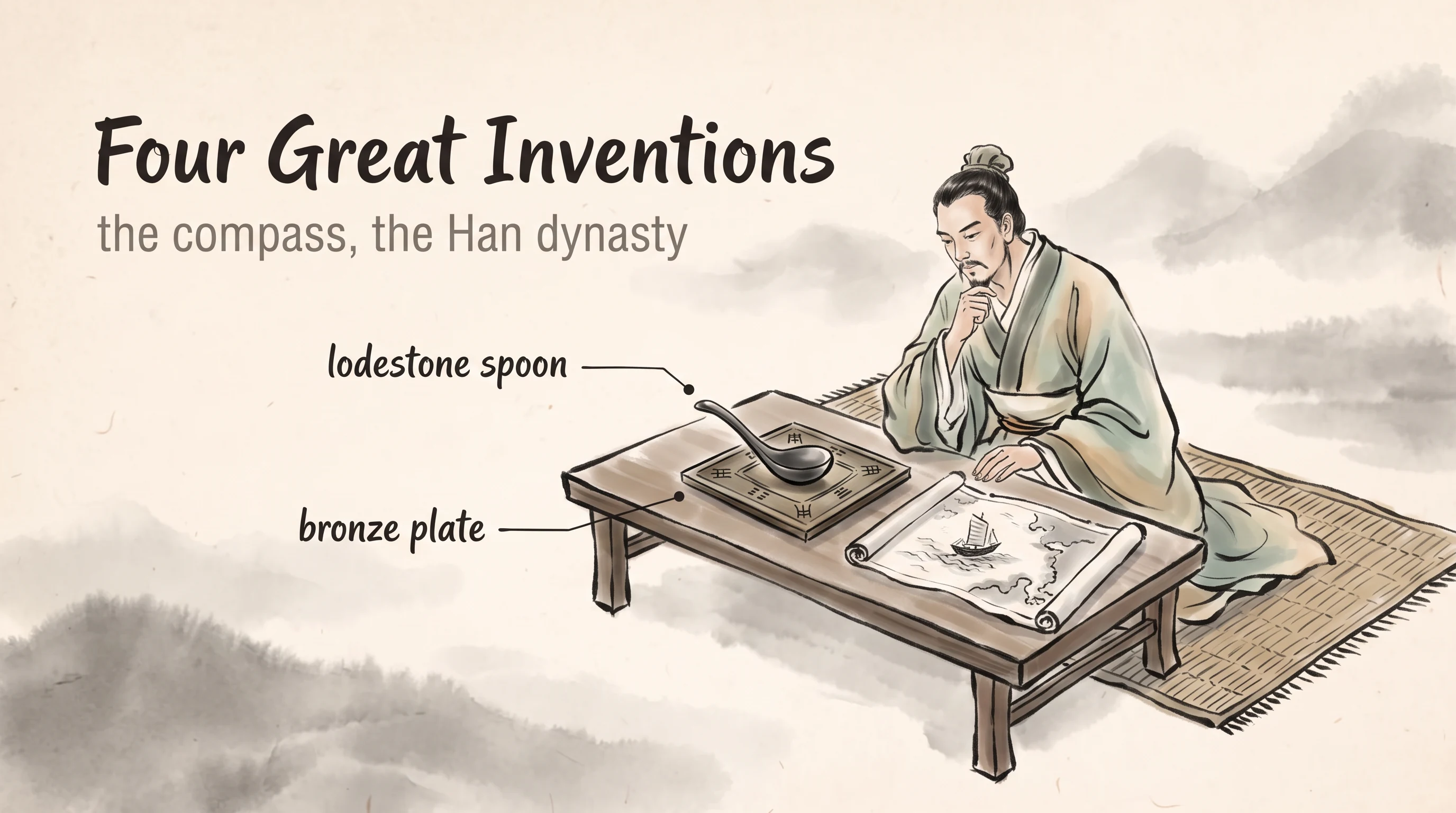
Fine art and print: The look of an existing art tradition, such as Chinese ink wash, Japanese ukiyo-e woodblock prints, Greek black figure pottery, or shadow puppetry. These suit history and culture topics. See them on the paper and fine art styles page.
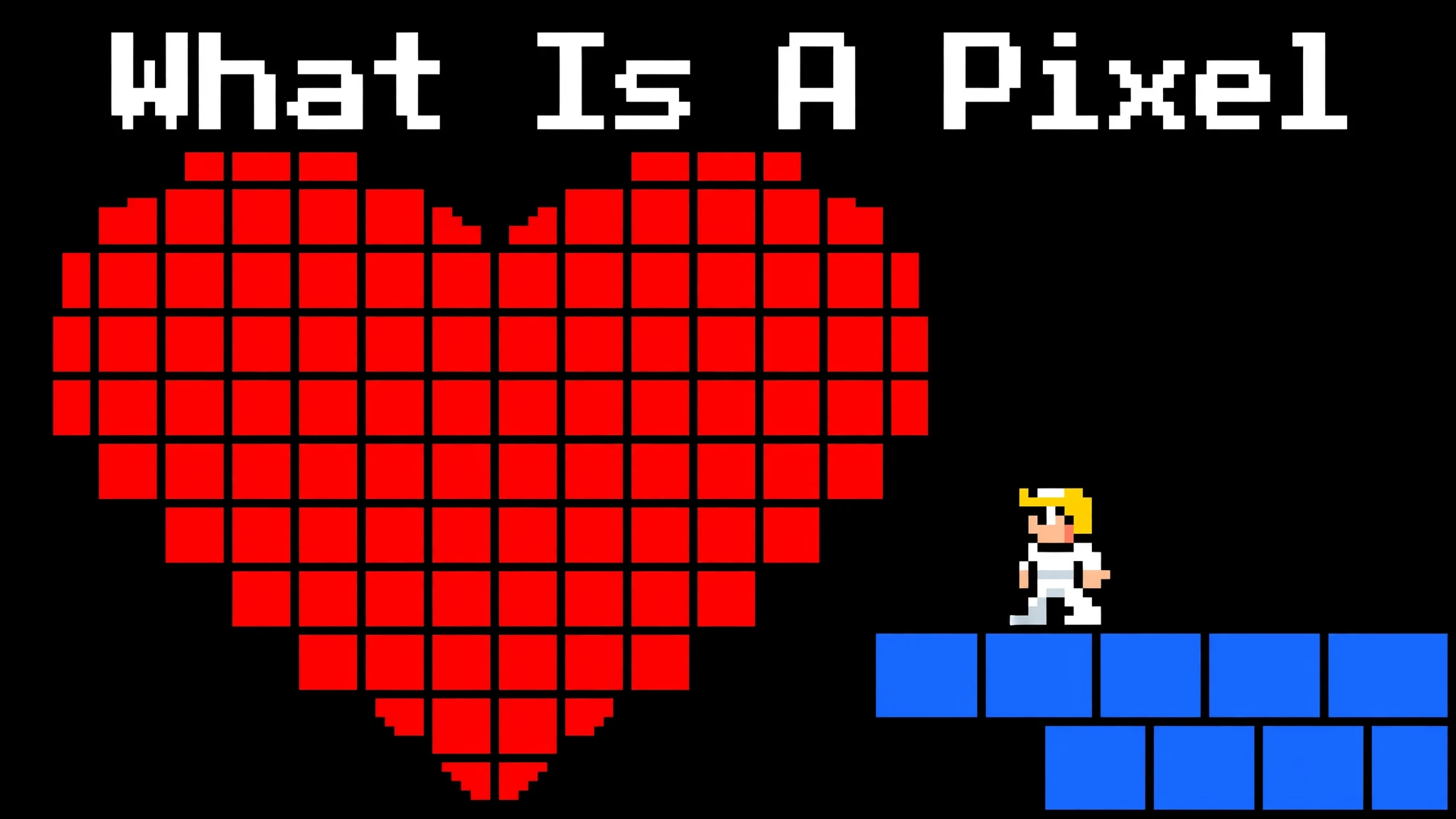
Pixel art: Images built from a visible grid of square pixels, borrowed from early video games. It signals play, nostalgia, or gaming topics.
The flat cartoon, stick figure, and pixel styles are on Scenema’s 2D animation styles page. Two of the styles above are shown here: a short flat cartoon explainer in English, and a story narrated in Spanish in a paper cutout collage style.
Flat cartoon infographic style: “What If You Had a Dog’s Sense of Smell?”
Paper cutout collage style: “The Boy from the Grocery Store,” narrated in Spanish.
What are the main 3D animation styles?
3D animation builds every object as a model in virtual space. A virtual camera can then move around it, and virtual lights cast shadows. The styles differ mostly in how realistic the models, materials, and lighting are.
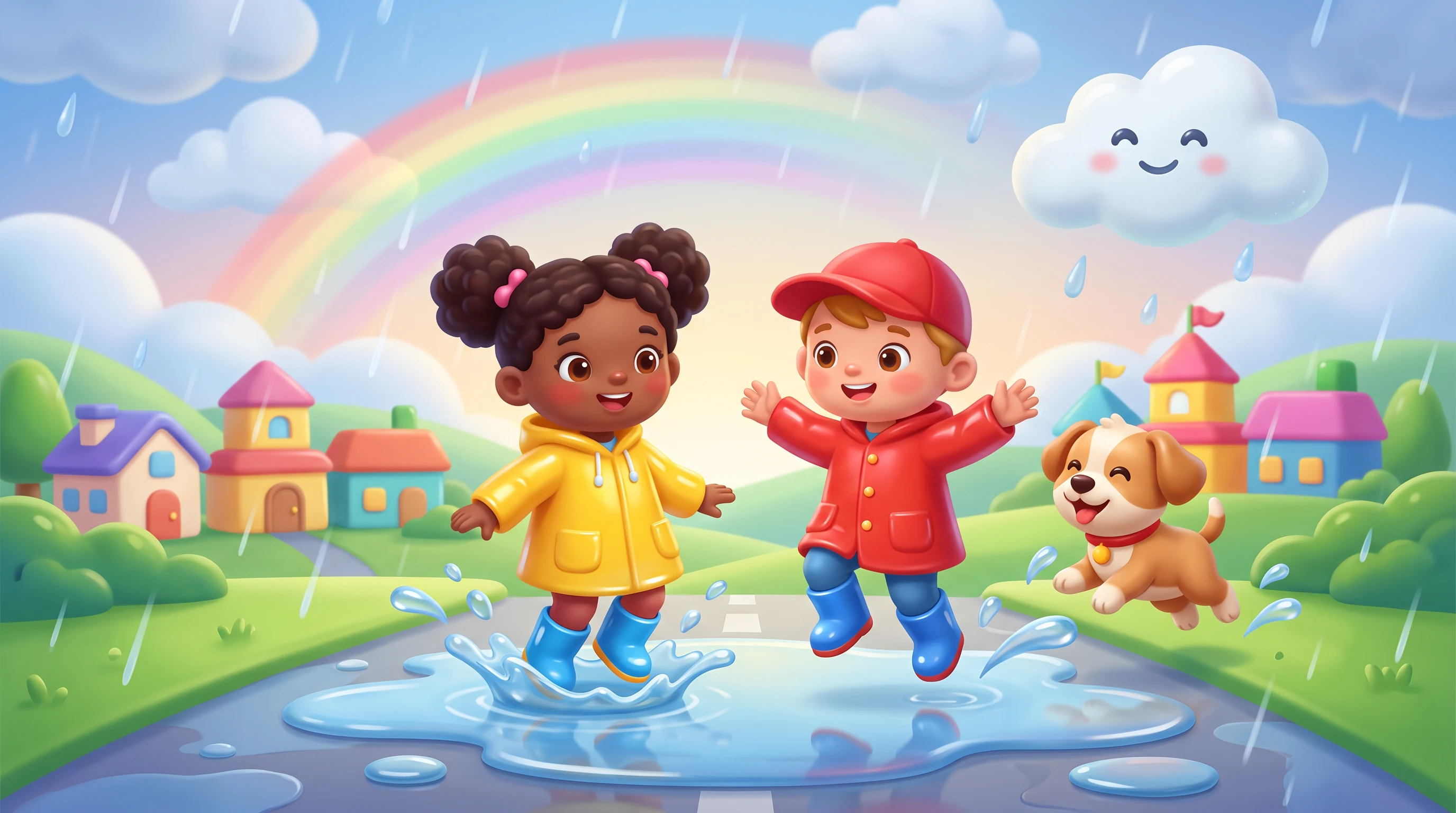
Stylized 3D characters: Rounded, toylike proportions, soft lighting, and matte or glossy surfaces. It is a common look for animated family films and preschool shows. See 3D character animation styles.
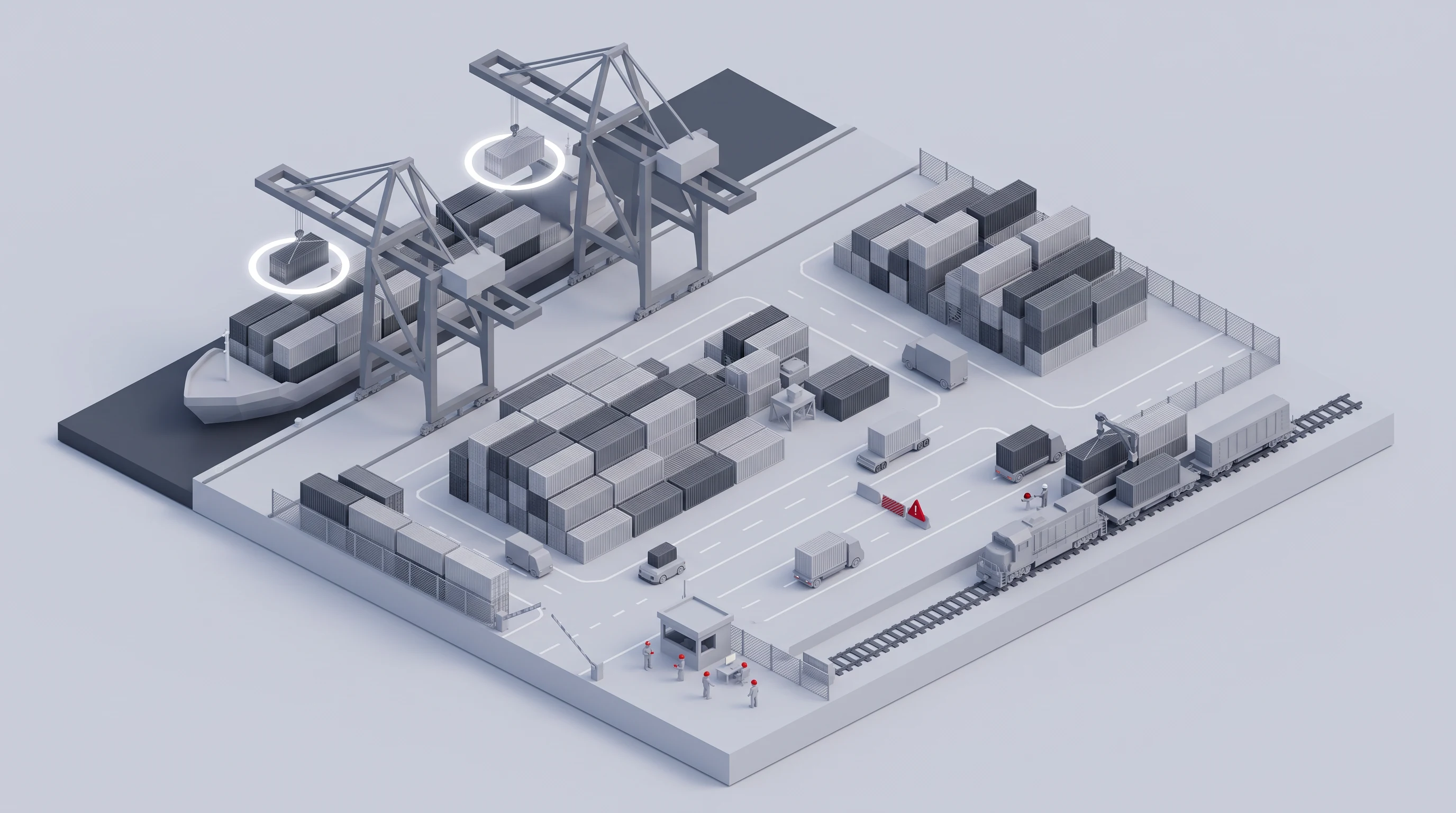
Isometric 3D: A fixed, angled camera shows a whole system at once as a miniature diorama, such as a city, a factory floor, or a cloud network. See isometric 3D animation styles.
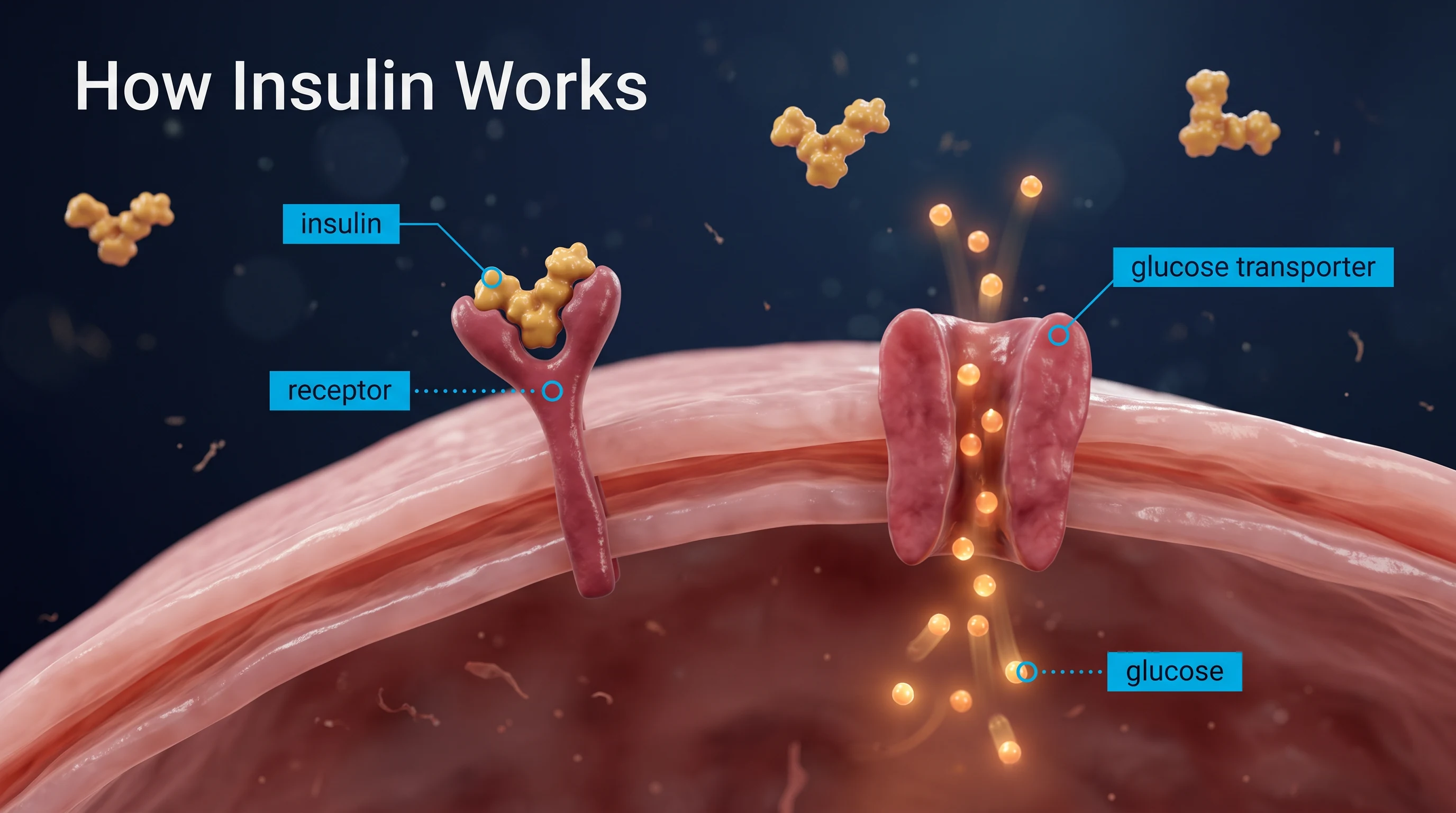
Technical and medical 3D: Cutaway views show the inside of engines, devices, organs, and cells, with parts that separate and move to explain how they work. See 3D technical and medical animation styles.
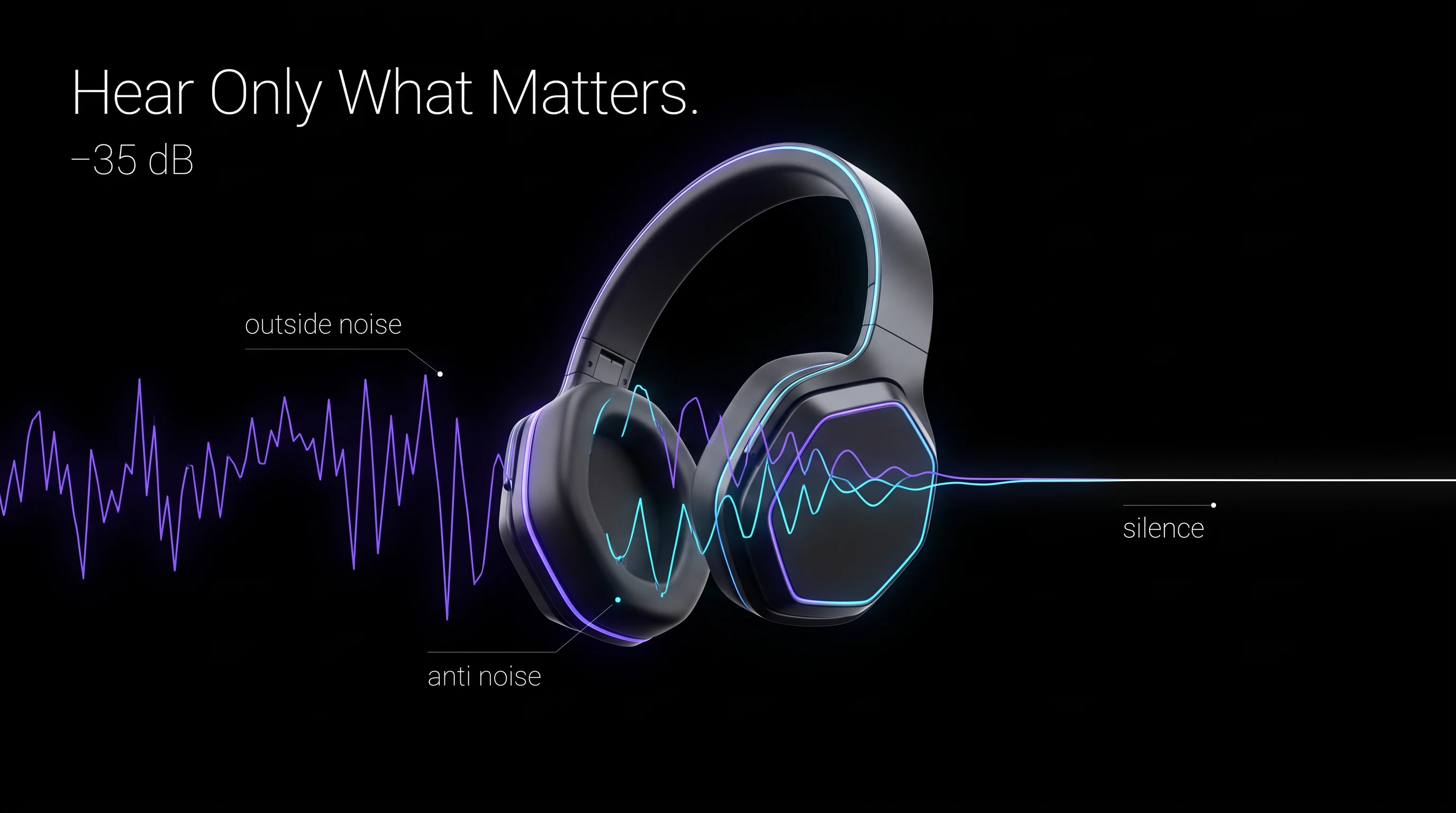
Product 3D: Hero shots, lit as in a photo studio, that turn a product slowly and show off its materials. Launches and ads use this look. See 3D product animation styles.
The example below is a short science lesson narrated in French. A cutaway shows how current in a coil turns a DC motor.
CAD cutaway 3D style: “How a Simple DC Motor Turns,” narrated in French.
What are motion graphics and kinetic typography?
Motion graphics are animated graphic design. Text, icons, shapes, charts, maps, and interface screens move in time with narration or music, usually without characters. Kinetic typography is the branch made of words alone. Words slide, scale, and change color to match the rhythm of the voice.
Motion graphics suit topics where the information itself is the subject, such as finance, market data, logistics, and software. Common styles include animated data charts, flat maps, pictograms, app walkthroughs, and dark documentary graphics. Scenema’s motion graphics styles page has a dozen of them. The example below follows a card payment through the network that processes it.
Geometric motion graphics style: “How Visa Makes Money Without Lending You Money.”
What are stop motion and claymation styles?
Stop motion animates physical objects. The animator moves a puppet, a model, or a piece of clay by a tiny amount, takes a photograph, and repeats the step. Played back at full speed, the photographs read as continuous movement.

Clay animation (claymation): Figures sculpted from modeling clay, reshaped between frames. Fingerprints and small surface changes stay visible and give the style its warmth.
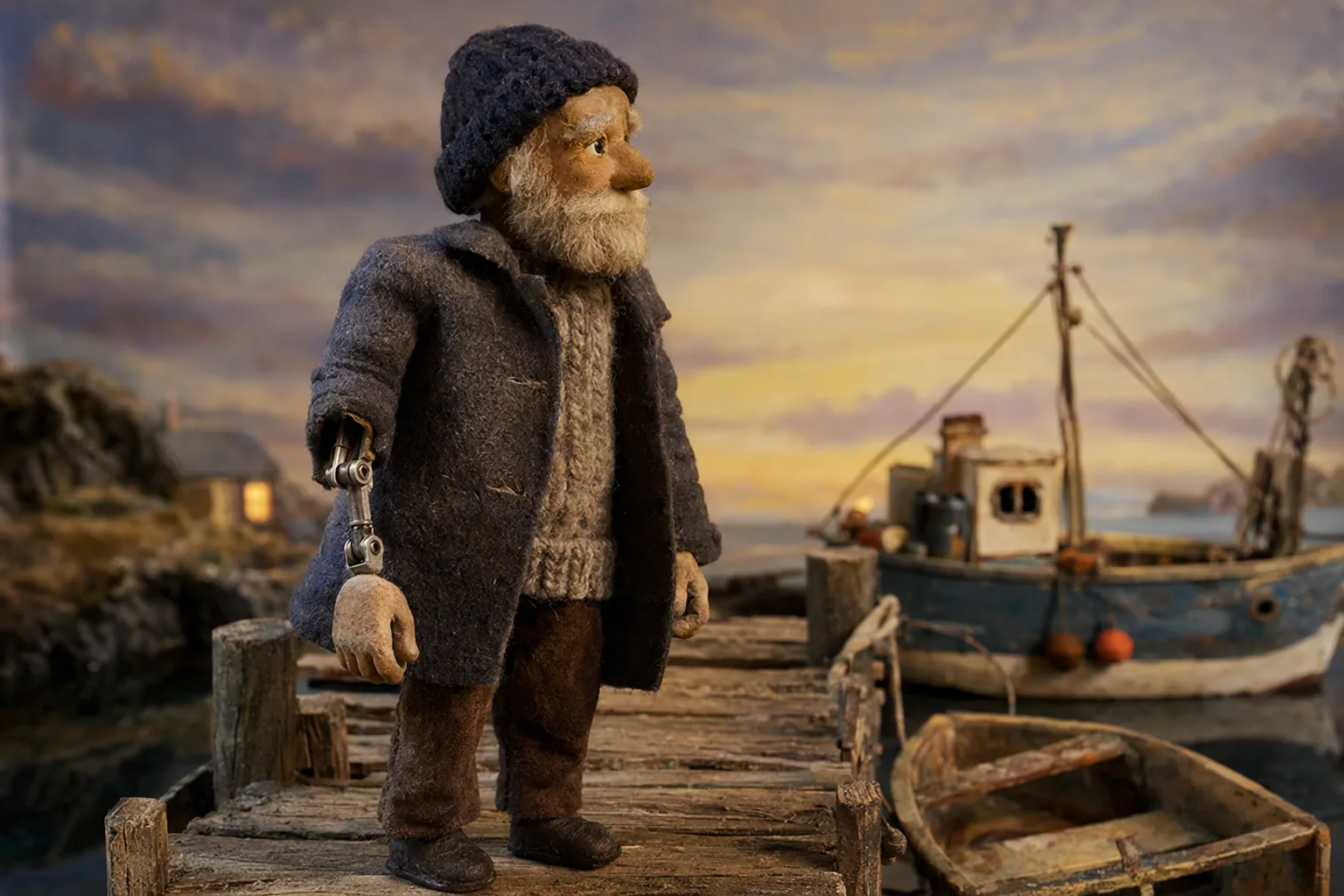
Puppet animation: Figures built on a jointed metal skeleton, called an armature, which holds each pose between photographs.
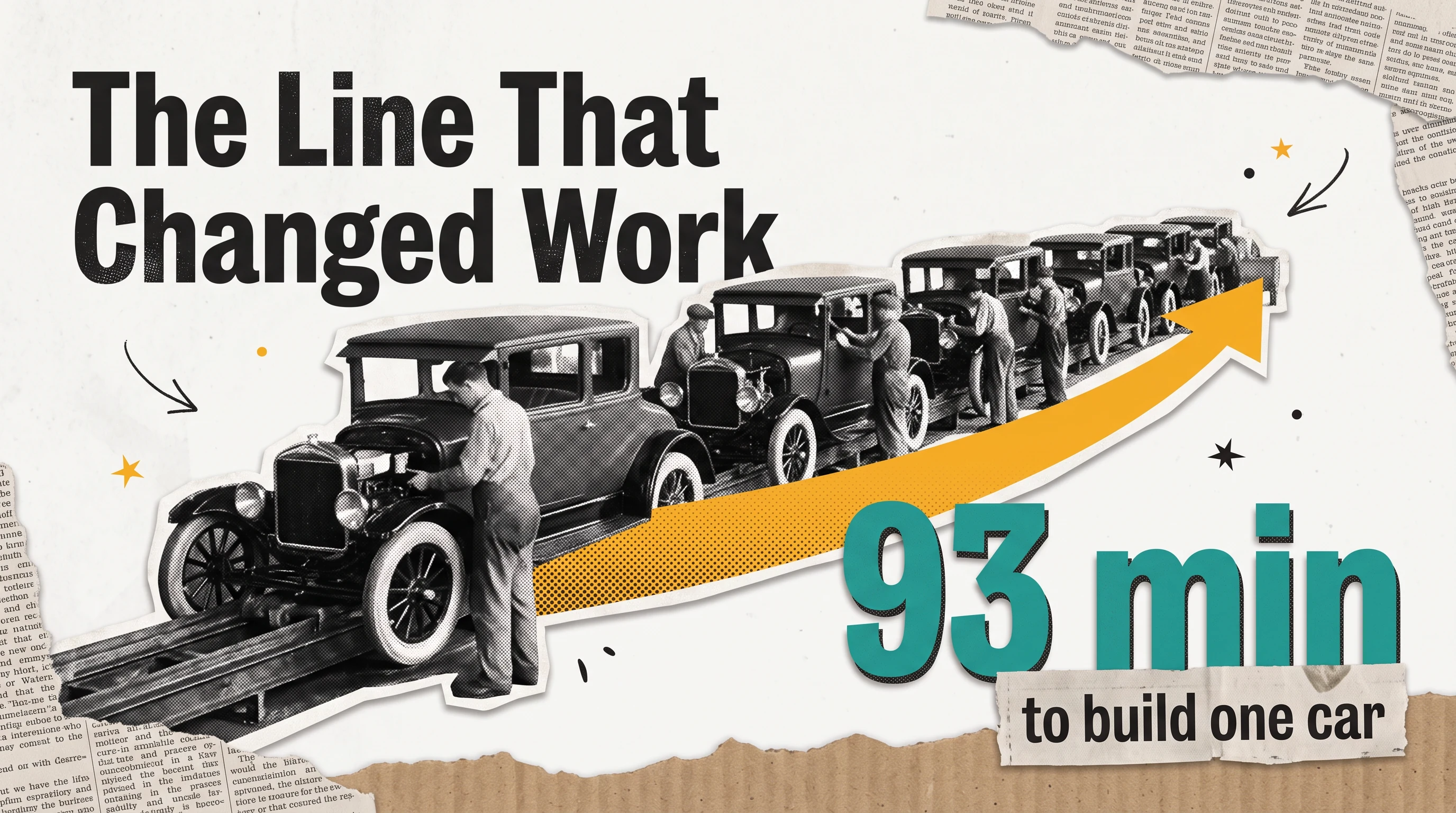
Paper cutout: Flat paper pieces moved under a camera, the physical ancestor of the digital collage style above.
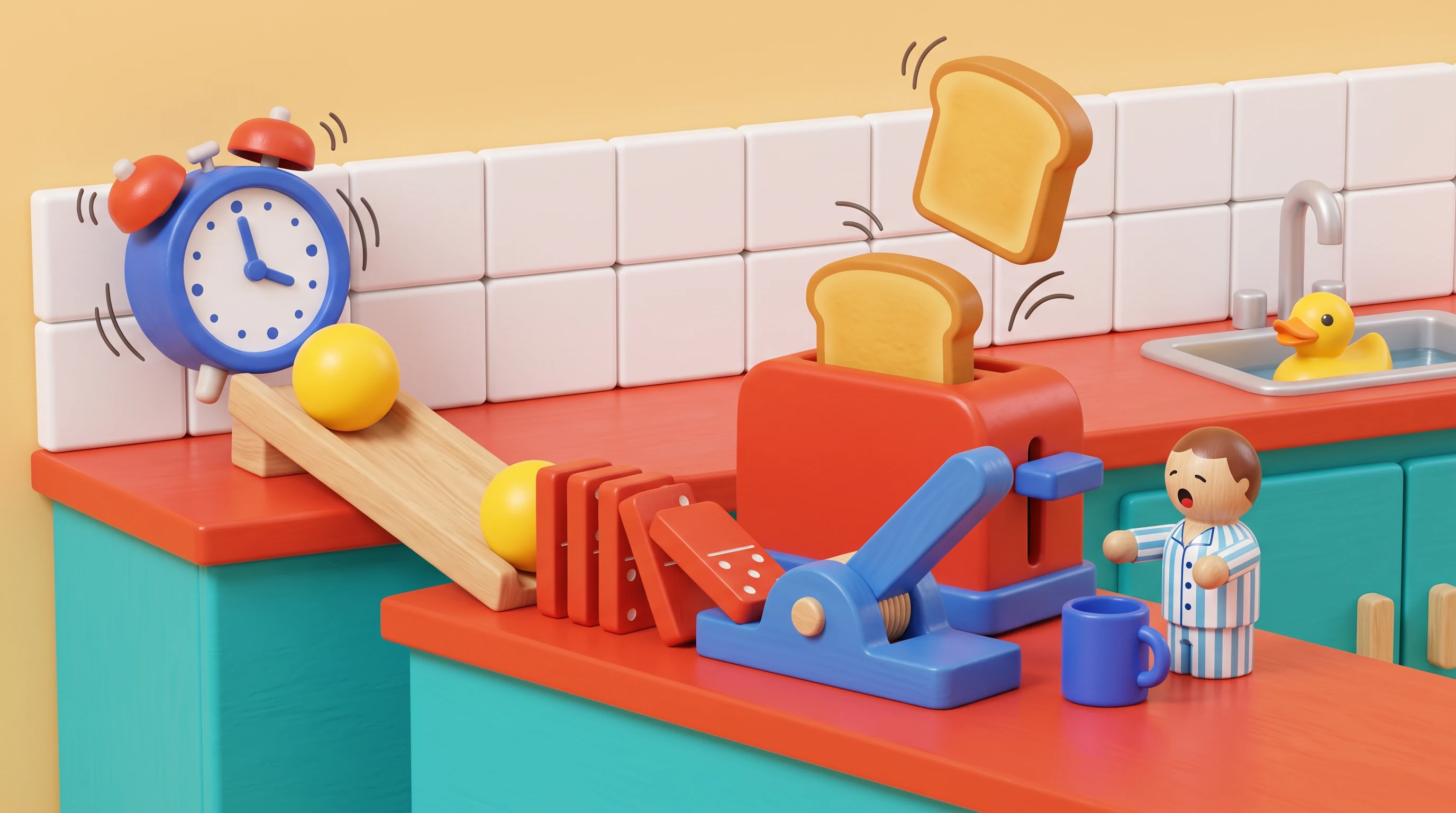
Object and toy animation: Everyday objects or toys move without any visible hand, as in chain reaction and unboxing videos.
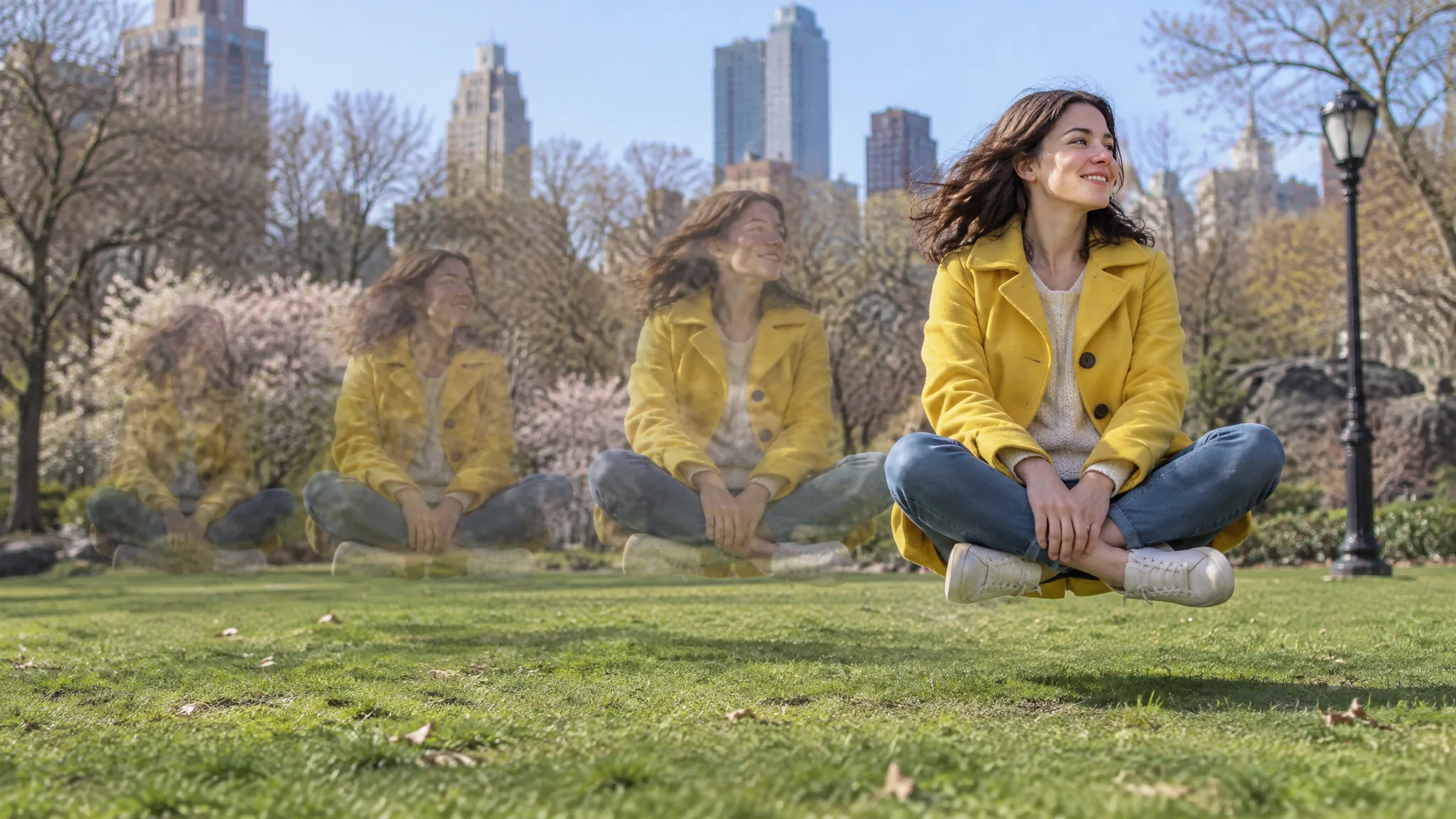
Pixilation: Live actors are photographed one frame at a time, so people move with the jerky, impossible motion of a puppet.
Many 3D videos now copy the handmade look with digital clay and felt materials. Scenema renders these styles digitally, with no physical set. Its stop motion and claymation styles page includes Toy Chain Reaction, which builds explanations out of chunky toy mechanisms.
How do you choose an animation style for a video?
Choose the style by what the video has to do, then check it against the audience, the length, and the brand. Click or tap each card to see the question to ask.
The table below matches common video goals with the styles that tend to serve them.
| Goal of the video | Styles that fit | Why they fit |
|---|---|---|
| Explain a process step by step | Whiteboard, sketchnote | Each drawing appears in the order the narrator explains it |
| Present numbers or finance | Motion graphics, data charts | Charts, labels, and figures stay sharp and readable |
| Tell a story with recurring characters | Flat cartoon, stylized 3D characters | Faces and gestures show emotion while a narrator tells the story |
| Show how a machine or the body works | Technical and medical 3D | Cutaways reveal parts a camera cannot see |
| Teach history or culture | Engraving collage, ink wash, woodblock print | Period imagery sets the time and place |
| Launch or advertise a product | Product 3D | Studio lighting shows materials and finish |
| Make a short, funny social video | Stick figure, flat cartoon | Timing and gesture land the joke quickly |
| Teach young children | Glossy preschool 3D, flat cartoon | Bright colors and rounded shapes hold attention |
Tip
Before committing a whole video to a style, make one finished scene in it and watch it at the size your audience will. A style that looks rich on a laptop can turn muddy on a phone.
Are the 12 principles of animation the same as an animation style?
The 12 principles of animation describe how movement should behave, and they apply to every style. A style decides what a single frame looks like. The principles decide how one frame changes into the next, so that motion feels weighted, timed, and alive.
Frank Thomas and Ollie Johnston, two of Disney’s lead animators, set out the principles in their 1981 book The Illusion of Life. In 1987, John Lasseter of Pixar presented a SIGGRAPH paper showing how the same principles apply to 3D computer animation. The 12 principles are:
- Squash and stretch
- Anticipation
- Staging
- Straight ahead action and pose to pose
- Follow through and overlapping action
- Slow in and slow out
- Arcs
- Secondary action
- Timing
- Exaggeration
- Solid drawing
- Appeal
Some styles lean on certain principles more than others. Stick figure animation relies almost entirely on timing and exaggeration, whereas technical 3D uses slow in and slow out so moving parts start and stop like heavy machines.
How does Scenema make videos in different animation styles?
Scenema makes narrated animated videos from a prompt, a script, or a document such as a PowerPoint deck, a Word file, a PDF, or a spreadsheet. A narrator tells the story, and the characters on screen act it out without speaking dialogue. You choose a style from the families on the styles page, or point Scenema at a YouTube video as a style reference. Every shot is then drawn in that style. Scenema plans the storyboard, keeps recurring characters consistent from shot to shot, and adds narration from more than 500 voices in over 75 languages. Longer videos are split into chapters, and each chapter can last up to 30 minutes.
All four example videos on this page were made this way, in English, Spanish, and French. The explore page has more in each style. For how the AI models behind this work, see what AI animation is. Plans, including a free plan, are on the pricing page.
The TL;DR on animation styles
What are animation styles? Animation styles are the visual looks an animated video can take, such as flat cartoon, anime, whiteboard, collage, 3D, or claymation. A style is set by line work, shapes, color, texture, lighting, and the way things move.
What are the 5 types of animation? The five types usually listed are traditional hand drawn animation, 2D digital animation, 3D computer animation, motion graphics, and stop motion. They are grouped by how the motion is made, and each can produce many styles.
What is the difference between 2D and 3D animation? 2D animation works on a flat picture plane and suggests depth with layers and shading. 3D animation builds models in virtual space, so a camera can move around them and lights cast shadows.
Is motion graphics a type of animation? Motion graphics are animated graphic design: text, icons, charts, and maps moving in time with narration or music. They are usually counted as one of the five main types of animation.
Is stop motion the same as claymation? Claymation is one kind of stop motion, using clay figures. Stop motion also includes puppet, paper cutout, object, and pixilation animation.
What are the 12 principles of animation? The first five are squash and stretch, anticipation, staging, straight ahead action and pose to pose, and follow through and overlapping action. The other seven are slow in and slow out, arcs, secondary action, timing, exaggeration, solid drawing, and appeal. Frank Thomas and Ollie Johnston set them out in The Illusion of Life (1981).
Can you make stop motion animation digitally? Yes, 3D software and AI tools can recreate the look of stop motion with digital clay, felt, and toy materials, with no physical set or camera. Scenema, for example, has a stop motion family of styles, including Toy Chain Reaction.
Can AI make animated videos in different styles? Yes, AI can make animated videos in many styles, from flat cartoon and whiteboard to 3D and collage. Scenema, for example, turns a prompt, a script, or a document into a narrated video in the style you choose and keeps that style across every shot.
References and further reading
Primary sources
- Hurd, E. (1915). Process of and apparatus for producing moving pictures. US Patent 1,143,542, filed 1914. The patent behind cel animation.
- Fleischer, M. (1917). Method of producing moving picture cartoons. US Patent 1,242,674. The rotoscope patent.
- Thomas, F., and Johnston, O. (1981). The Illusion of Life: Disney Animation. The source of the 12 principles of animation.
- Lasseter, J. (1987). Principles of traditional animation applied to 3D computer animation. SIGGRAPH 87, Computer Graphics 21(4).
- Academy of Motion Picture Arts and Sciences. Toy Story collection highlight.
Related Scenema reading
- What is an explainer video covers the formats explainers take and how to make one.
- What is whiteboard animation covers the history and research behind the drawing hand format.
- Stick figure animation covers the stick figure style in depth.
- What is a storyboard covers how a video is planned shot by shot before any animation starts.